How-To Guides

How-To Guides

In a digital era where information moves quickly and technology continues to evolve, How-To Guides have become one of the most valuable resources for individuals and businesses alike. These guides provide step-by-step instructions that simplify complex tasks, answer common questions, and empower users to accomplish goals with confidence. Whether someone is troubleshooting a software issue, setting up new equipment, improving cybersecurity practices, or learning a new digital skill, a well-structured How-To Guide removes confusion and delivers clarity.

The purpose of this category is to offer practical, easy-to-follow tutorials that break down technical processes into manageable steps. Each guide is designed with the user in mind, providing clear explanations, actionable insights, and real-world examples. By presenting information in a straightforward format, these resources help readers overcome challenges quickly and efficiently—without needing advanced expertise.

How-To Guides are essential for organizations that want to create self-sufficient teams and customers. When employees can reference reliable documentation, they resolve issues faster, reduce downtime, and increase overall productivity. Likewise, customers who have access to helpful tutorials gain a better experience, feel more empowered, and rely less on direct support. This makes How-To Guides a powerful tool for improving internal workflows and enhancing customer satisfaction.

Another benefit of well-crafted instructional content is its ability to support long-term skill development. Users can revisit guides as often as needed, reinforcing knowledge and mastering processes over time. Whether the topic is configuring a network, optimizing cybersecurity settings, installing software, or maintaining hardware, repeatable step-by-step instructions ensure consistent outcomes across an organization.

High-quality How-To Guides also help businesses maintain operational efficiency. By documenting best practices, companies ensure that everyone—from new hires to experienced team members—follows the same standards. This reduces errors, strengthens compliance, and supports smooth onboarding and training. In the context of IT and digital workflows, these guides become a foundation for system reliability, security, and performance.

Additionally, How-To Guides contribute to a stronger knowledge culture. When information is organized, accessible, and easy to understand, teams collaborate better and make more informed decisions. This category serves as a central hub where users can find trustworthy instructions for a wide range of topics, empowering them to tackle challenges independently and develop greater technical confidence.

Whether a user is looking to resolve a quick issue or complete a complex project, the How-To Guides category ensures they have the tools and knowledge they need at their fingertips. Each guide is crafted to save time, reduce frustration, and provide clear solutions, making it an invaluable resource for both beginners and experienced professionals.

By offering structured tutorials that focus on clarity, accuracy, and ease of use, the How-To Guides category helps users navigate challenges and achieve successful outcomes—step by step.

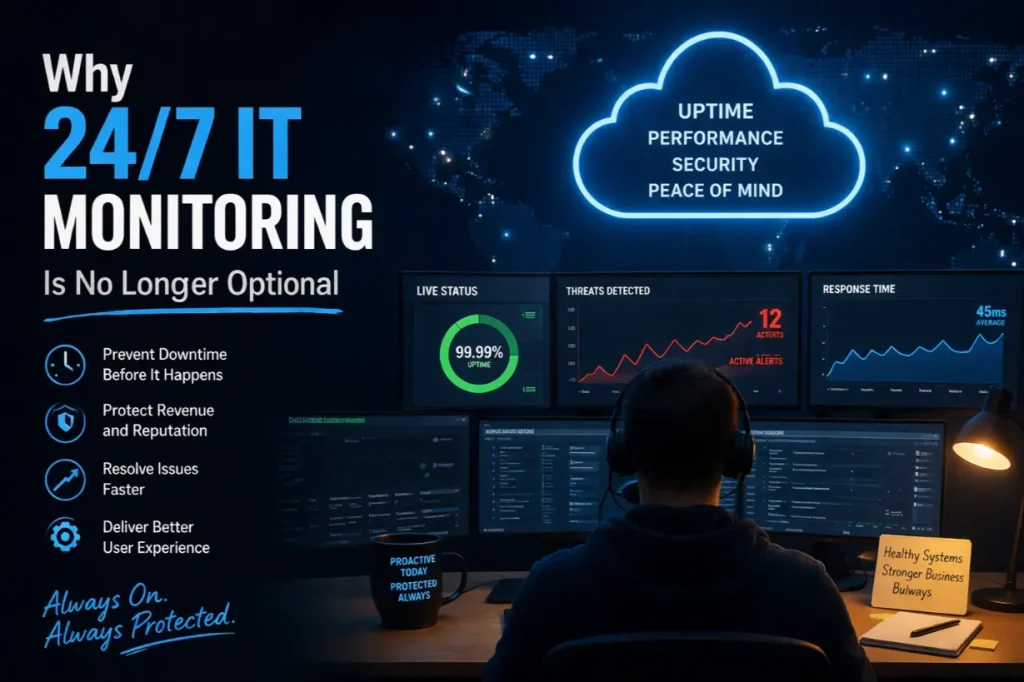
Why 24/7 IT Monitoring Is No Longer Optional

Why 24/7 IT Monitoring Is No Longer Optional

IT Problems Don’t Respect Business Hours Most IT failures don’t wait for Monday morning. Servers crash overnight. Security breaches happen at 2 AM. Storage fills up on weekends. Networks degrade slowly until everything grinds to a halt. Yet many businesses still rely on business-hours-only IT oversight, creating dangerous blind spots that allow small issues to…

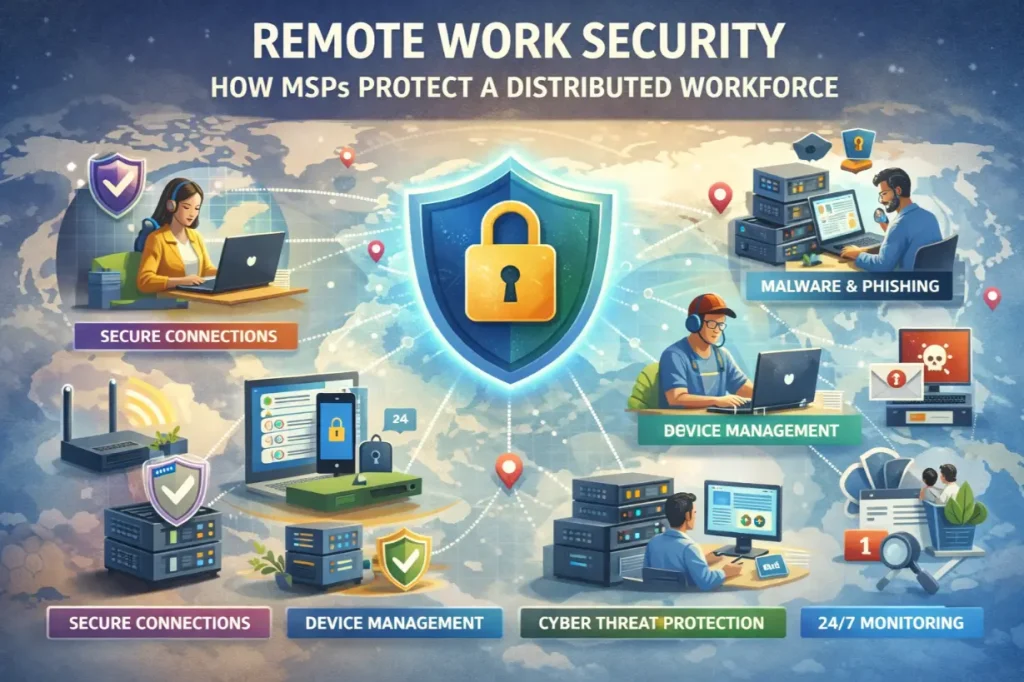
Remote Work Security: How MSPs Protect a Distributed Workforce

Remote Work Security: How MSPs Protect a Distributed Workforce

Remote Work Changed the Threat Landscape Overnight Remote work didn’t just change where people work — it changed how businesses are attacked. Employees now: The traditional office security model collapsed almost overnight. This article explains how managed service providers (MSPs) protect a distributed workforce, secure remote access without killing productivity, and reduce risk in a…
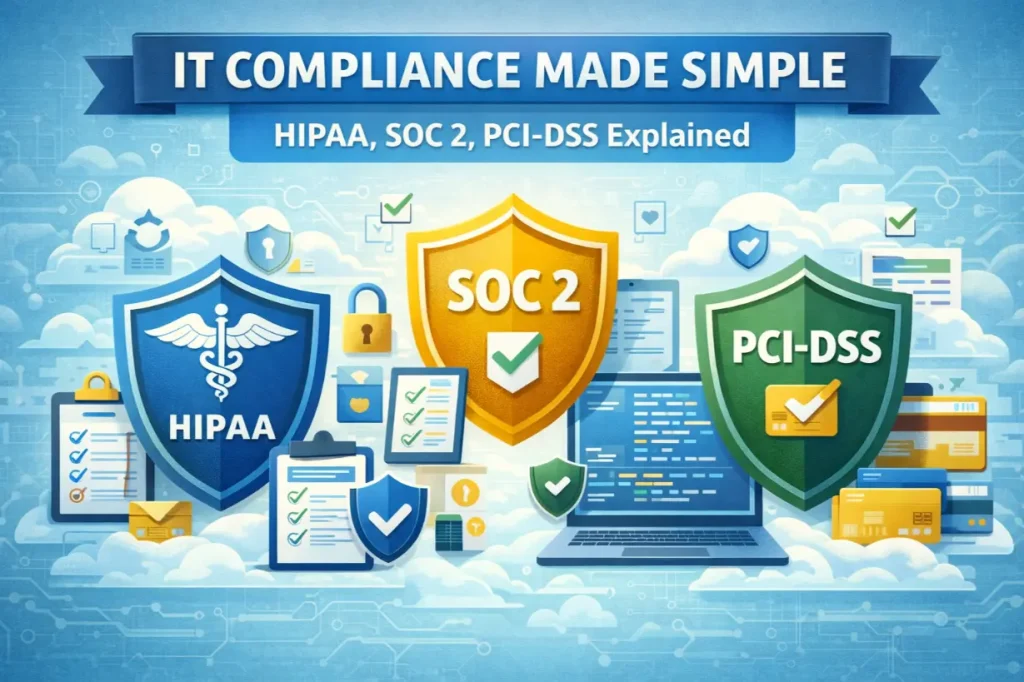
IT Compliance Made Simple: HIPAA, SOC 2, PCI-DSS Explained

IT Compliance Made Simple: HIPAA, SOC 2, PCI-DSS Explained

Compliance Isn’t Optional — But It Is Confusing Few words create more anxiety for business leaders than “compliance.” HIPAA. SOC 2. PCI-DSS. Audits. Assessments. Policies. Controls. Most businesses don’t ignore compliance because they don’t care — they ignore it because it feels overwhelming, technical, and disconnected from day-to-day operations. But here’s the reality: Compliance is…
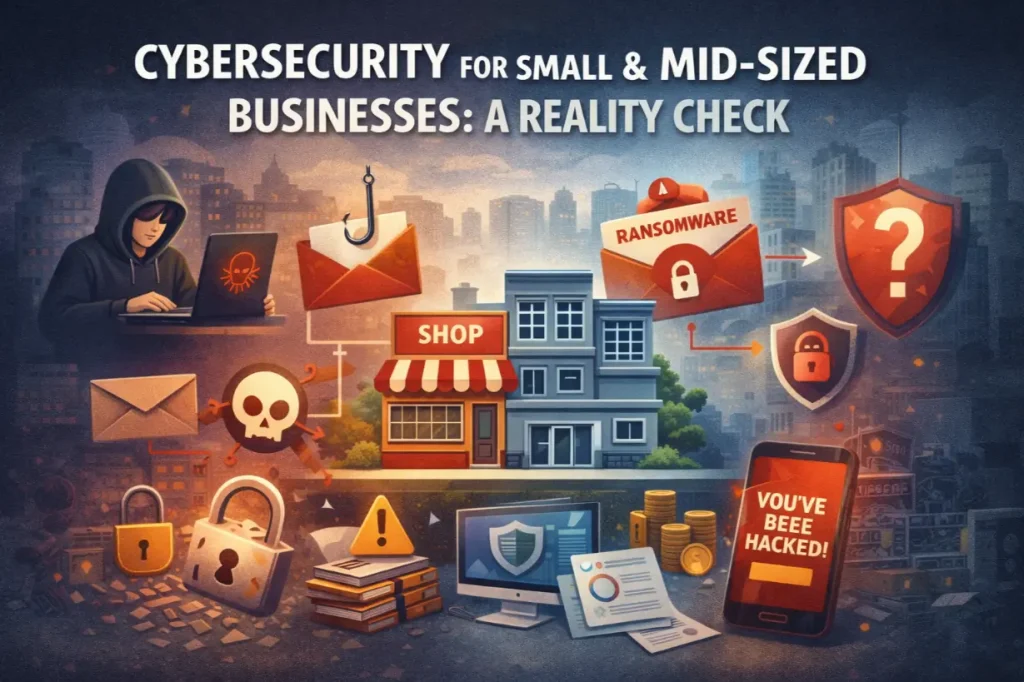
Cybersecurity for Small & Mid-Sized Businesses: A Reality Check

Cybersecurity for Small & Mid-Sized Businesses: A Reality Check

The Dangerous Myth That SMBs Are “Too Small to Target” Many small and mid-sized businesses believe one thing about cybersecurity: “Hackers aren’t interested in us.” That assumption is not only wrong — it’s exactly why attackers succeed. Today’s cybercriminals don’t focus solely on massive enterprises. They target organizations with: That makes SMBs the preferred target,…
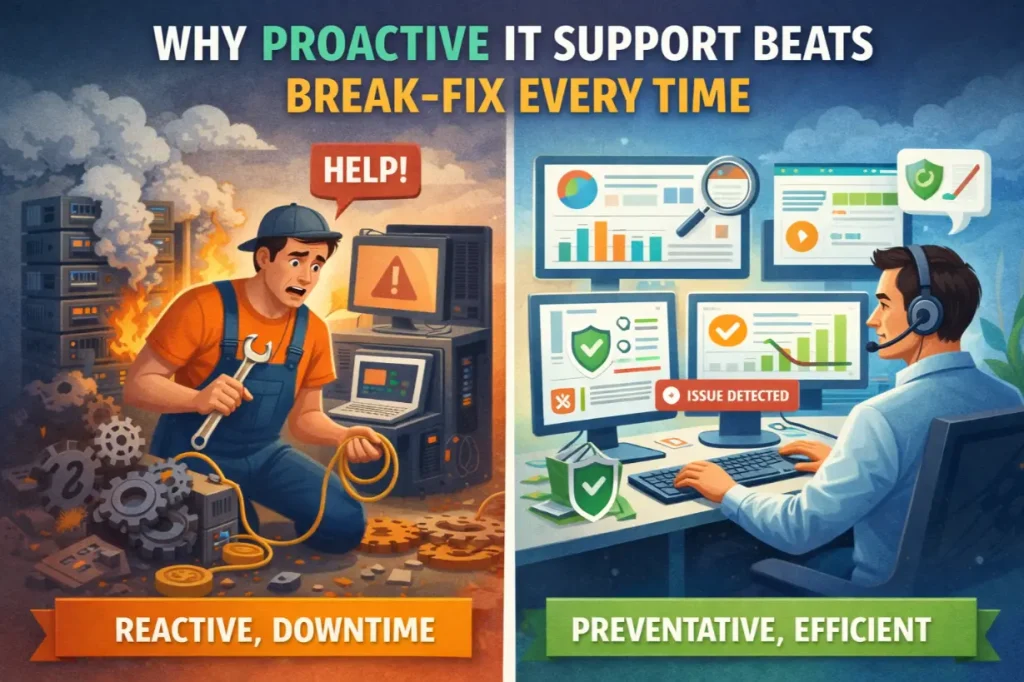
Why Proactive IT Support Beats Break-Fix Every Time

Why Proactive IT Support Beats Break-Fix Every Time

The Problem With “Call Us When It Breaks” For decades, businesses relied on a simple IT model: “If something breaks, call IT.” This break-fix approach feels cost-effective on the surface. You only pay when something goes wrong. No monthly fees. No contracts. No commitment. Until it breaks. Then systems go down. Productivity stops. Customers are…
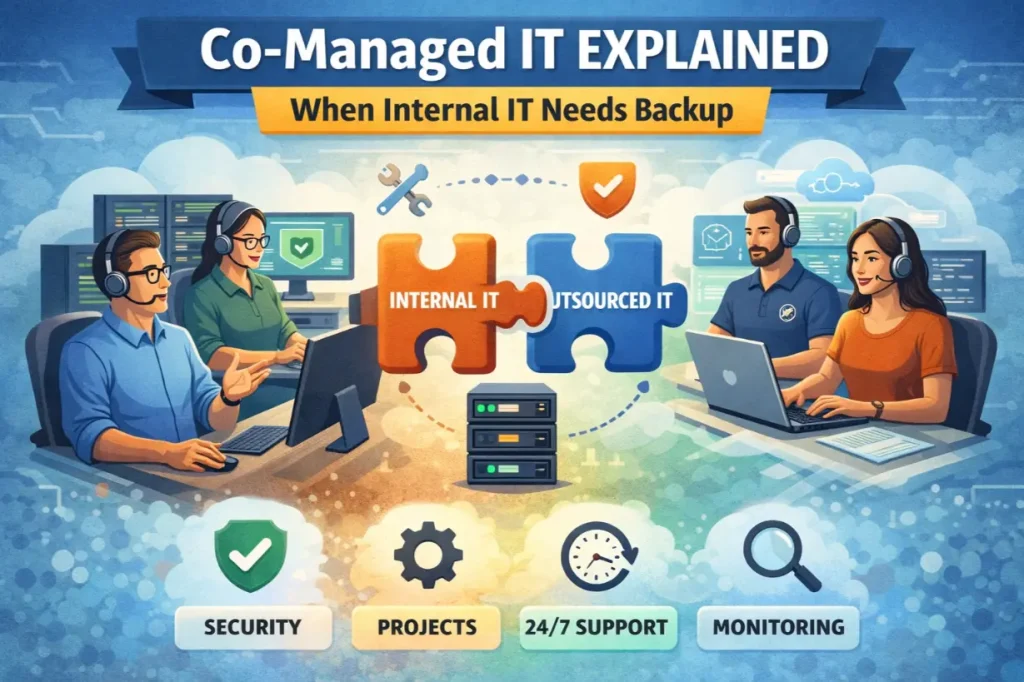
Co-Managed IT Explained: When Internal IT Needs Backup

Co-Managed IT Explained: When Internal IT Needs Backup

Internal IT Teams Are Under Pressure Internal IT teams are stretched thinner than ever. They’re expected to: All while fighting fires daily. At some point, even the best internal IT teams hit a limit. That’s where co-managed IT enters the picture—not as a replacement, but as a force multiplier. This article explains what co-managed IT…
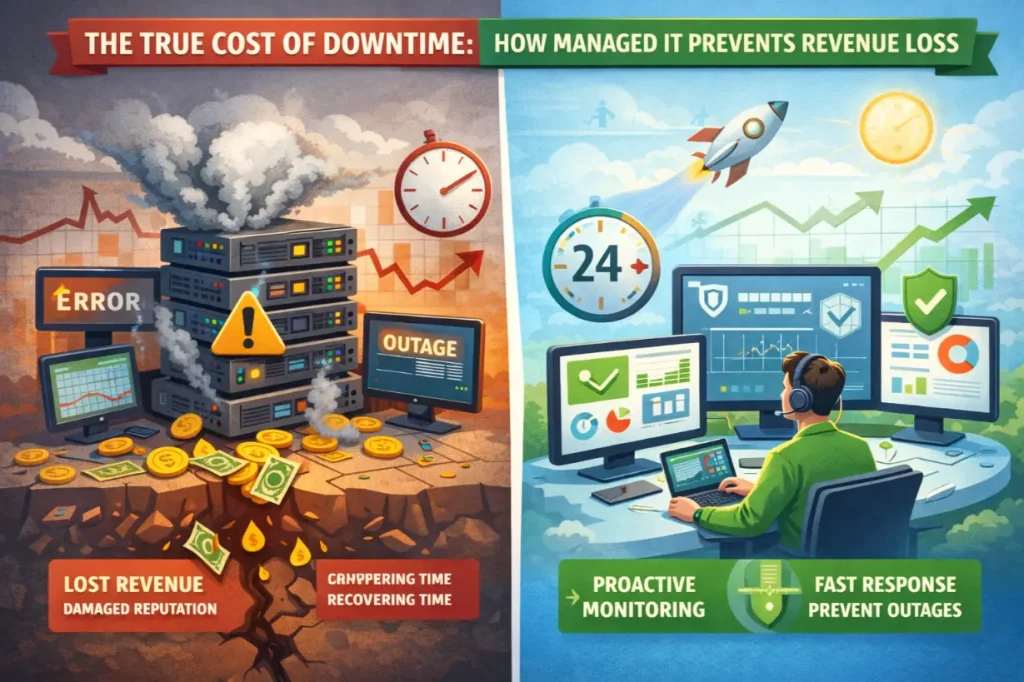
The True Cost of Downtime: How Managed IT Prevents Revenue Loss

The True Cost of Downtime: How Managed IT Prevents Revenue Loss

Downtime Is More Expensive Than You Think Most businesses underestimate downtime—until they experience it. A server goes offline. Internet access drops. Applications freeze. Employees stop working. Customers can’t place orders. Support phones light up. Social media complaints start rolling in. And the clock is ticking. Downtime is often viewed as an IT inconvenience. In reality,…
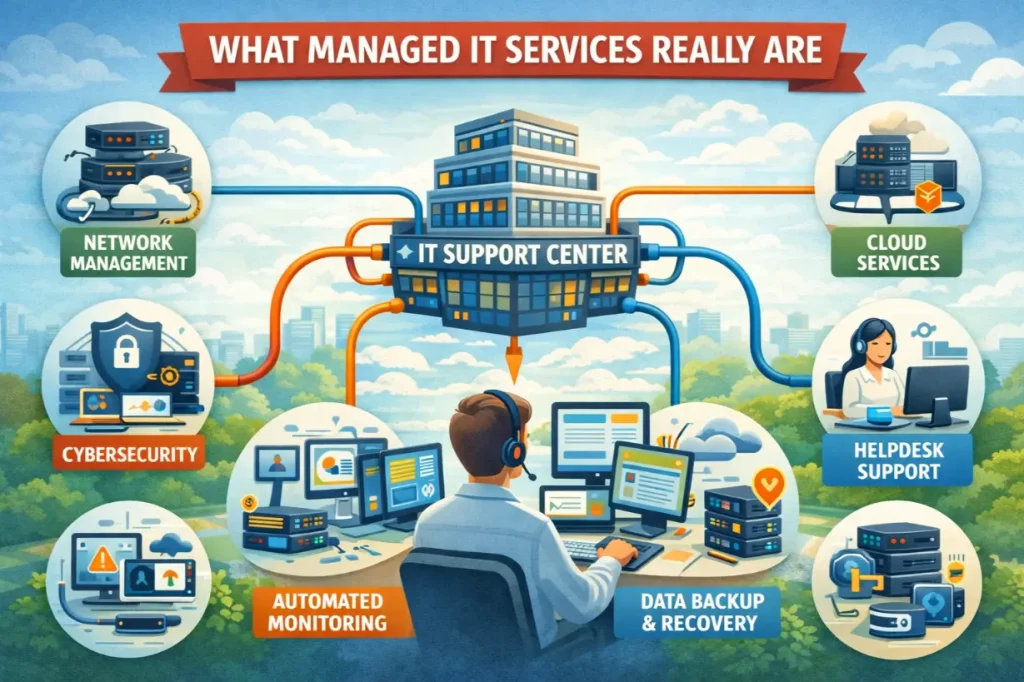
What Managed IT Services Really Are

What Managed IT Services Really Are

Why “Managed IT” Is Still Misunderstood Most businesses think they understand IT support—until something breaks. A server crashes. Email goes down. A cyberattack locks files. Productivity halts. Revenue bleeds. And suddenly, IT becomes the most important part of the business. This is where managed IT services enter the conversation—but they’re often misunderstood. Many assume managed…