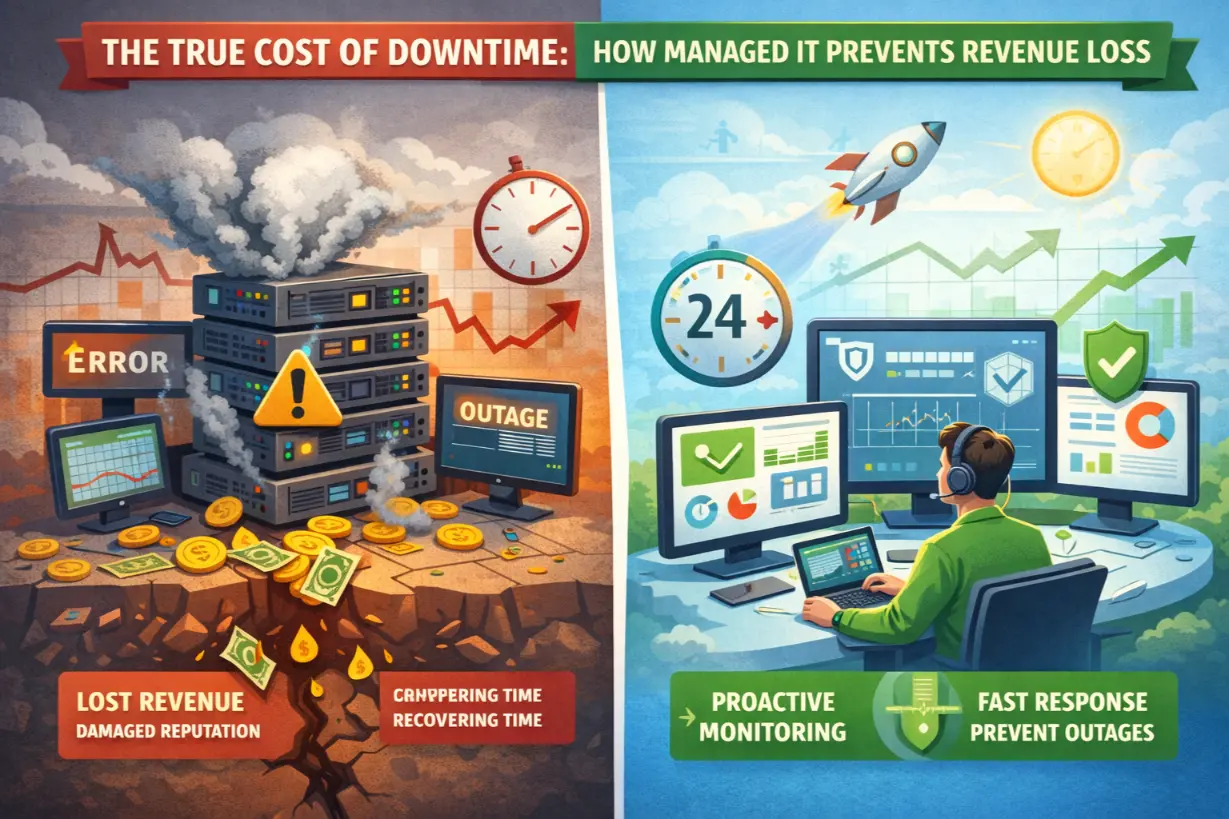
Downtime Is More Expensive Than You Think
Most businesses underestimate downtime—until they experience it.
A server goes offline. Internet access drops. Applications freeze. Employees stop working. Customers can’t place orders. Support phones light up. Social media complaints start rolling in.
And the clock is ticking.
Downtime is often viewed as an IT inconvenience. In reality, it is a direct revenue killer that affects every department, every customer interaction, and every strategic initiative.
This article breaks down the true cost of downtime, why it’s increasing year over year, and how managed IT services stop outages before they turn into financial disasters.
What Counts as Downtime?
Downtime isn’t just a total system blackout.
It includes:
- Email outages
- Cloud application failures
- Slow or unstable networks
- Server crashes
- Cyber incidents
- Failed updates or patches
- Internet or VoIP disruptions
Even “partial downtime” can be devastating when employees are blocked from critical tools.
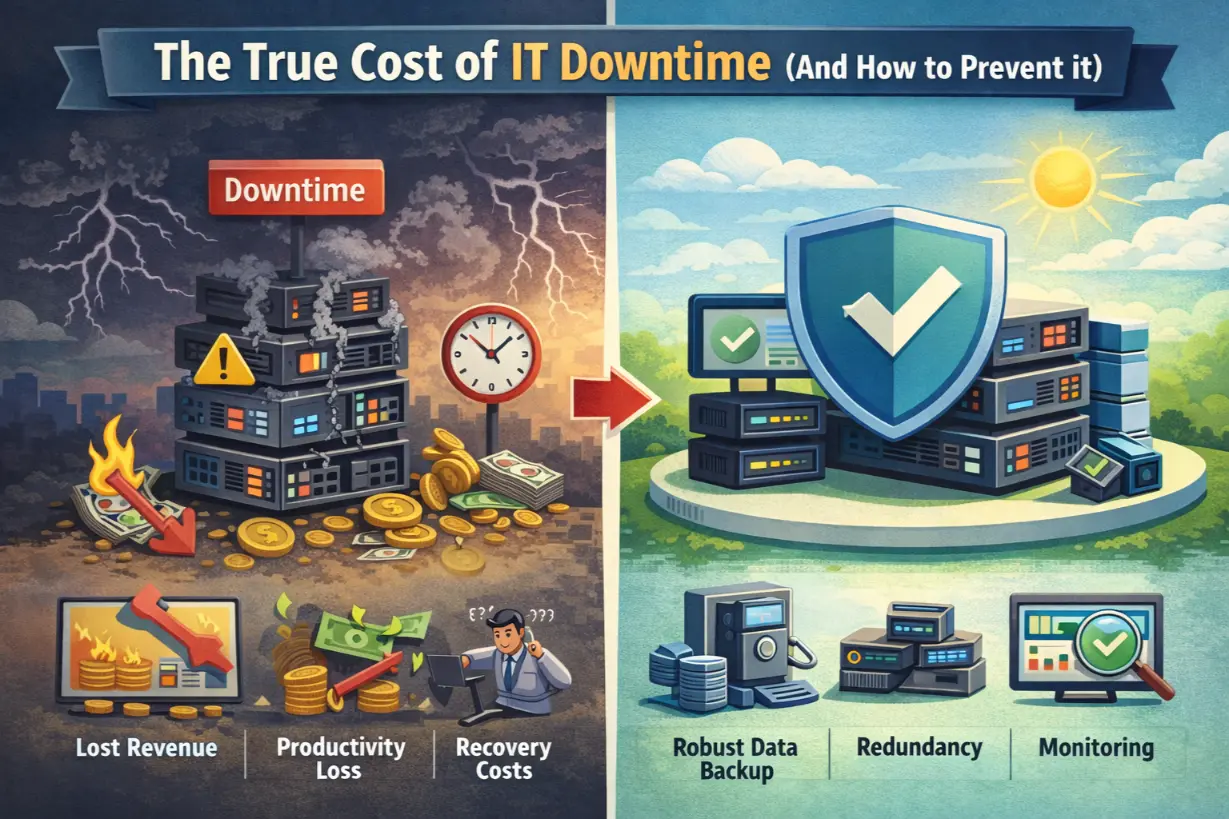
The Real Cost of Downtime (Beyond IT)
1. Lost Revenue
When systems are down:
- Orders stop processing
- Sales teams can’t quote or close
- Customers abandon transactions
For many businesses, minutes matter — not hours.
Even conservative estimates place downtime costs at:
- Thousands per hour for small businesses
- Tens of thousands per hour for mid-sized firms
- Hundreds of thousands per hour for enterprises
2. Lost Productivity
Employees can’t work without technology.
Downtime leads to:
- Idle staff
- Missed deadlines
- Workflow bottlenecks
- Manual workarounds
And productivity doesn’t instantly recover once systems return — momentum is lost.
3. Reputational Damage
Customers expect availability.
Repeated outages cause:
- Loss of trust
- Negative reviews
- Increased churn
- Brand damage
Reputation loss compounds long after systems are restored.
4. Compliance & Legal Risk
For regulated industries, downtime can mean:
- Missed compliance requirements
- Incomplete data records
- SLA violations
- Legal exposure
Downtime isn’t just expensive — it can be dangerous.
5. IT Recovery Costs
Emergency IT response is always more expensive than prevention:
- Overtime labor
- Emergency hardware replacements
- Expedited vendor services
- Incident response costs
Reactive IT drains budgets fast.
Why Downtime Happens So Often
Downtime is rarely caused by a single failure. Most outages stem from systemic neglect.
Common Causes Include:
- Unpatched systems
- Aging hardware
- Poor monitoring
- Misconfigured networks
- Inadequate backups
- Human error
- Security incidents
In many cases, the warning signs were there — they just weren’t being watched.
Why Break-Fix IT Fails at Downtime Prevention
Traditional break-fix IT is reactive by design.
It:
- Responds after failure
- Doesn’t monitor continuously
- Doesn’t prioritize prevention
- Encourages deferred maintenance
By the time break-fix IT is engaged, the damage is already done.
How Managed IT Services Prevent Downtime
Managed IT flips the entire model.
Instead of reacting to outages, MSPs engineer stability.
1. 24/7 Proactive Monitoring
Managed IT providers monitor:
- Servers
- Networks
- Endpoints
- Cloud services
- Performance thresholds
Issues are detected and resolved before users are affected.
2. Automated Patch & Update Management
Unpatched systems are one of the leading causes of downtime and breaches.
Managed IT ensures:
- Operating systems stay current
- Security vulnerabilities are closed
- Updates are tested and scheduled
- Downtime from failed patches is minimized
3. Redundancy & Failover Planning
High-quality MSPs design systems assuming failures will happen.
That includes:
- Backup internet connections
- Server redundancy
- Cloud failover
- High-availability configurations
When one system fails, another takes over.
4. Backup & Disaster Recovery Strategy
Downtime becomes catastrophic when data is lost.
Managed IT implements:
- Automated backups
- Offsite and cloud replication
- Rapid recovery objectives (RTO/RPO)
- Regular testing
Recovery is planned — not improvised.
5. Cybersecurity Integration
Many outages are security-related.
Managed IT includes:
- Threat detection
- Endpoint protection
- Email security
- Ransomware prevention
Security incidents are stopped before they cause operational shutdowns.
Downtime Prevention Is a Business Strategy
Downtime isn’t just an IT problem — it’s a leadership issue.
Executives who invest in uptime:
- Protect revenue
- Safeguard reputation
- Improve customer experience
- Enable growth
Managed IT services align uptime goals with business priorities.
The Financial Case for Managed IT
Businesses often hesitate at managed IT costs — without comparing them to downtime losses.
Managed IT:
- Predictable monthly expense
- Reduced emergency costs
- Fewer outages
- Lower insurance exposure
Downtime:
- Unpredictable losses
- Compounding impact
- Reputation damage
- Lost opportunities
From a financial perspective, prevention always wins.
Signs Your Business Is at High Risk of Downtime
- No real-time monitoring
- Aging servers or firewalls
- No documented recovery plan
- Infrequent backups
- Reactive IT support
- Frequent “minor” outages
These are warning signs — not inconveniences.
Managed IT Turns Downtime Into a Non-Event
When managed correctly:
- Issues are resolved silently
- Employees remain productive
- Customers never notice
- Leadership stays focused on growth
That’s the real value of managed IT — nothing happens.
Downtime Is Optional
Technology failures are inevitable.
Business disruption is not.
Managed IT services don’t eliminate risk — they control it, contain it, and plan for it.
If downtime would threaten your revenue, customers, or reputation, the real question isn’t whether you can afford managed IT.
It’s whether you can afford not to have it.
Want to know how vulnerable your business is to downtime?
A proactive IT assessment can uncover risks before they turn into outages.