Tech Tips, Guides & Tutorials

Tech Tips, Guides & Tutorials: Helping Users Work Smarter, Faster, and More Securely

Technology is most effective when people know how to use it confidently and efficiently. Whether you’re streamlining daily tasks, troubleshooting issues, improving security, or learning new features, Tech Tips, Guides & Tutorials empower users with practical knowledge that enhances productivity and minimizes frustration. These resources transform complex technical concepts into easy-to-understand instructions that help employees, customers, and everyday users get the most out of their technology.

Tech tips are designed to provide quick, actionable advice that solves common problems or improves efficiency. These may include shortcuts in productivity software, ways to optimize device performance, browser tricks, email management strategies, or time-saving automation tips. These bite-sized insights help users discover features they may not have known existed—often leading to immediate improvements in workflow and organization.

Guides offer more in-depth explanations for completing tasks, configuring systems, or learning new tools. They are especially helpful when adopting new software, updating devices, or integrating cloud applications. Step-by-step instructions, screenshots, and simplified explanations make technical processes accessible to users of all skill levels. Clear guides help reduce support requests, shorten training time, and provide employees with a valuable reference they can revisit as needed.

Tutorials go a step further by walking users through processes in a structured, educational format. These tutorials may cover topics such as setting up secure passwords, navigating new operating systems, using collaboration tools like Microsoft Teams or Google Workspace, configuring multi-factor authentication, troubleshooting network connectivity, or learning advanced spreadsheet functions. Tutorials are essential for onboarding new employees, introducing updated software, or teaching users how to adopt best practices.

Tech tips and tutorials also play an important role in cybersecurity awareness. Users learn how to recognize phishing attempts, avoid suspicious downloads, secure personal and company devices, update software properly, and protect confidential information. Clear instructions help employees understand not only how to perform tasks but also why certain practices are important for overall security.

For businesses, providing ongoing tech education improves efficiency across the organization. When users feel confident navigating their technology, they make fewer mistakes, complete tasks faster, and require less technical support. This reduces the workload on IT departments and allows them to focus on strategic initiatives instead of troubleshooting minor issues. Comprehensive tech tutorials also help standardize processes, ensuring all employees follow best practices consistently.

Another major benefit of tech tips and guides is empowering non-technical leadership. Executives, managers, and decision-makers can better understand how their technology works, enabling them to make informed decisions about upgrades, tools, workflows, and security strategies. When leadership understands the capabilities and limitations of their technology, they can align IT decisions more effectively with business goals.

These resources are also valuable for customers. Providing tutorials and guides on your website or support portal enhances customer experience, improves satisfaction, and reduces support tickets. Customers appreciate clear instructions that solve their issues quickly without needing to wait for assistance.

Ultimately, Tech Tips, Guides & Tutorials help bridge the gap between technology and its users. By simplifying complex information, providing step-by-step instructions, and empowering users with practical knowledge, these resources help businesses improve productivity, strengthen security, and foster a culture of continuous learning and improvement.

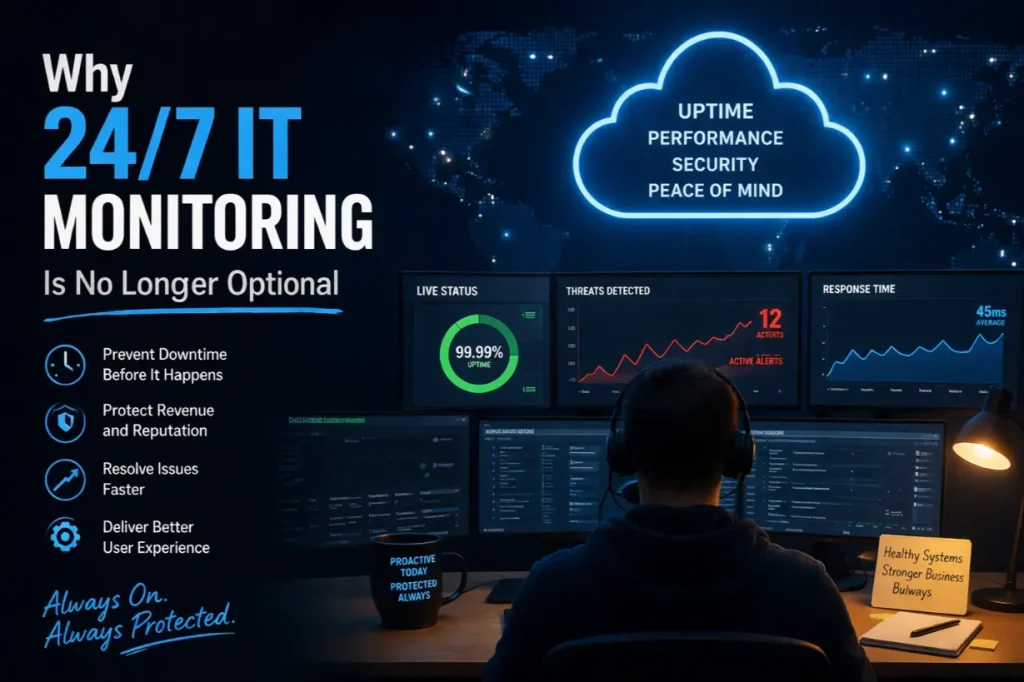
Why 24/7 IT Monitoring Is No Longer Optional

Why 24/7 IT Monitoring Is No Longer Optional

IT Problems Don’t Respect Business Hours Most IT failures don’t wait for Monday morning. Servers crash overnight. Security breaches happen at 2 AM. Storage fills up on weekends. Networks degrade slowly until everything grinds to a halt. Yet many businesses still rely on business-hours-only IT oversight, creating dangerous blind spots that allow small issues to…

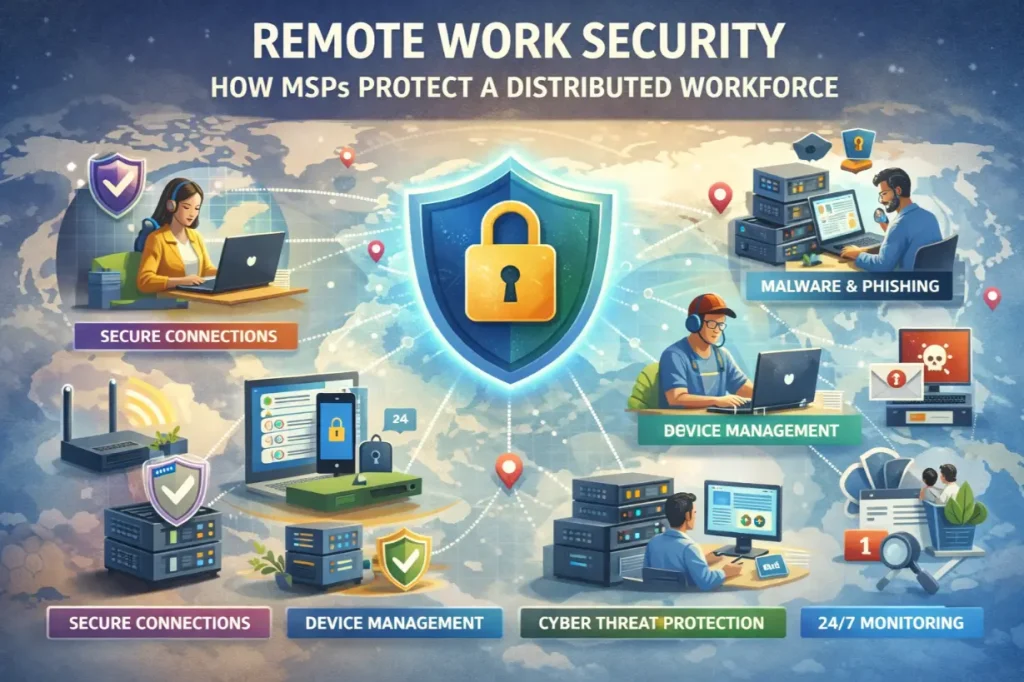
Remote Work Security: How MSPs Protect a Distributed Workforce

Remote Work Security: How MSPs Protect a Distributed Workforce

Remote Work Changed the Threat Landscape Overnight Remote work didn’t just change where people work — it changed how businesses are attacked. Employees now: The traditional office security model collapsed almost overnight. This article explains how managed service providers (MSPs) protect a distributed workforce, secure remote access without killing productivity, and reduce risk in a…
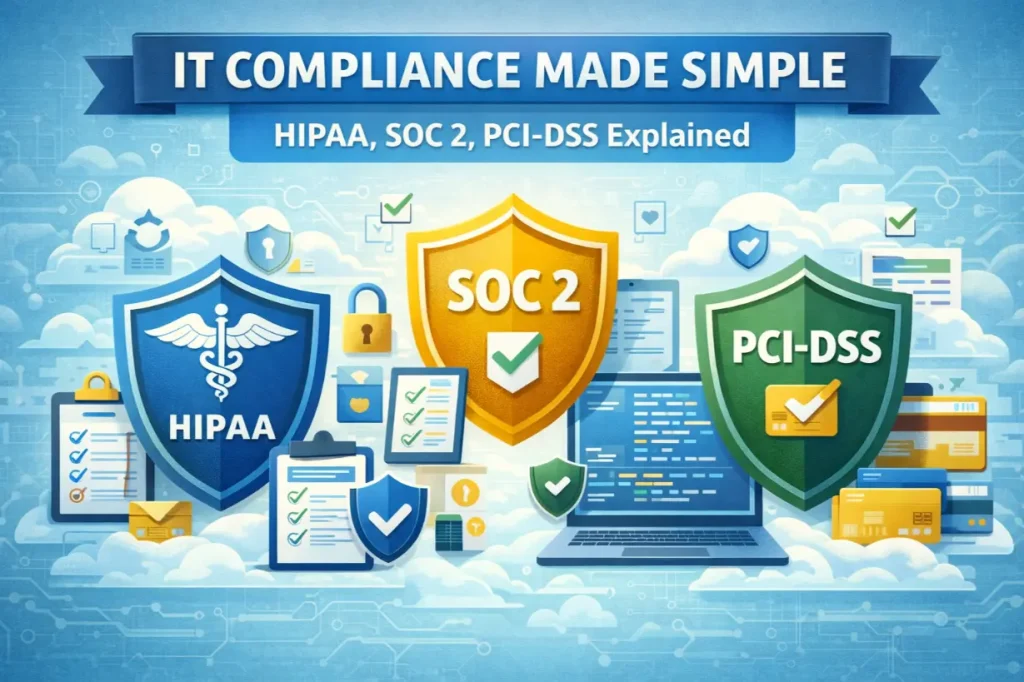
IT Compliance Made Simple: HIPAA, SOC 2, PCI-DSS Explained

IT Compliance Made Simple: HIPAA, SOC 2, PCI-DSS Explained

Compliance Isn’t Optional — But It Is Confusing Few words create more anxiety for business leaders than “compliance.” HIPAA. SOC 2. PCI-DSS. Audits. Assessments. Policies. Controls. Most businesses don’t ignore compliance because they don’t care — they ignore it because it feels overwhelming, technical, and disconnected from day-to-day operations. But here’s the reality: Compliance is…
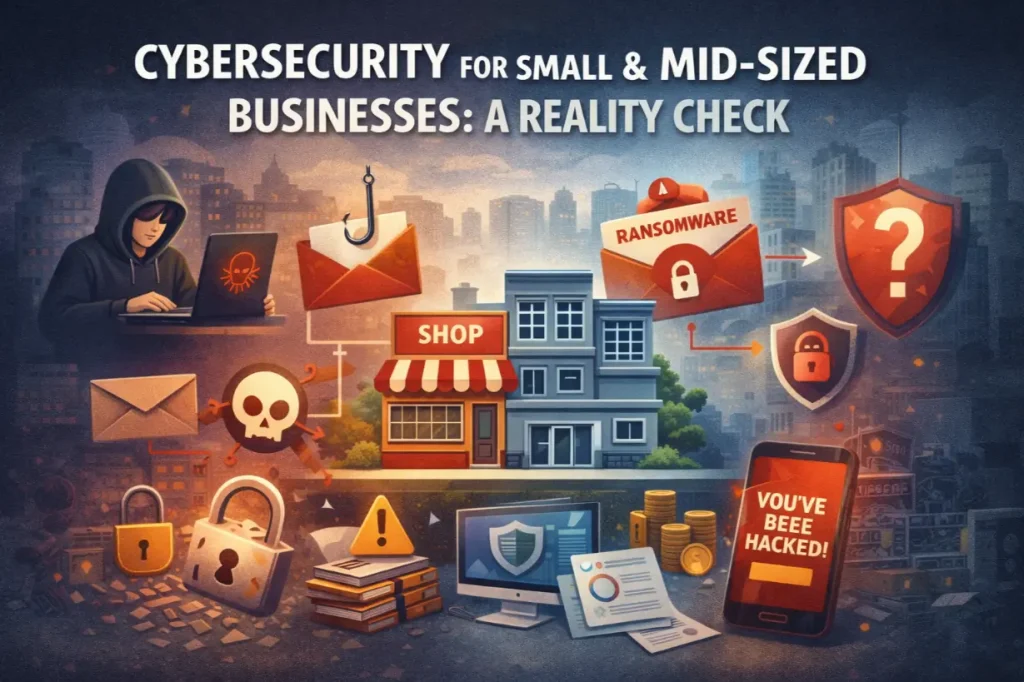
Cybersecurity for Small & Mid-Sized Businesses: A Reality Check

Cybersecurity for Small & Mid-Sized Businesses: A Reality Check

The Dangerous Myth That SMBs Are “Too Small to Target” Many small and mid-sized businesses believe one thing about cybersecurity: “Hackers aren’t interested in us.” That assumption is not only wrong — it’s exactly why attackers succeed. Today’s cybercriminals don’t focus solely on massive enterprises. They target organizations with: That makes SMBs the preferred target,…
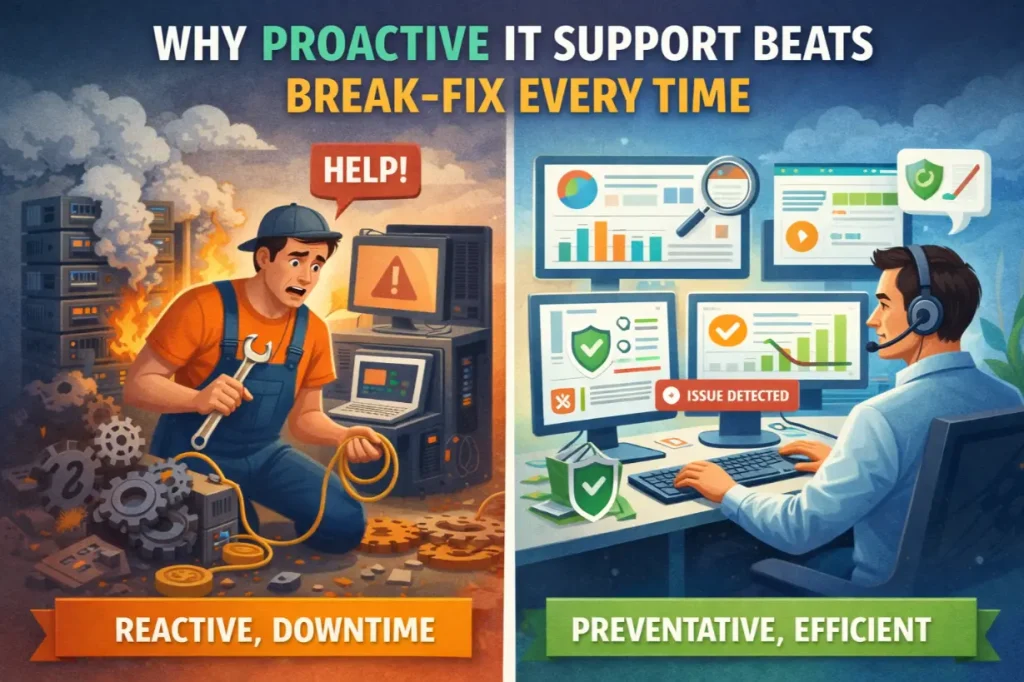
Why Proactive IT Support Beats Break-Fix Every Time

Why Proactive IT Support Beats Break-Fix Every Time

The Problem With “Call Us When It Breaks” For decades, businesses relied on a simple IT model: “If something breaks, call IT.” This break-fix approach feels cost-effective on the surface. You only pay when something goes wrong. No monthly fees. No contracts. No commitment. Until it breaks. Then systems go down. Productivity stops. Customers are…
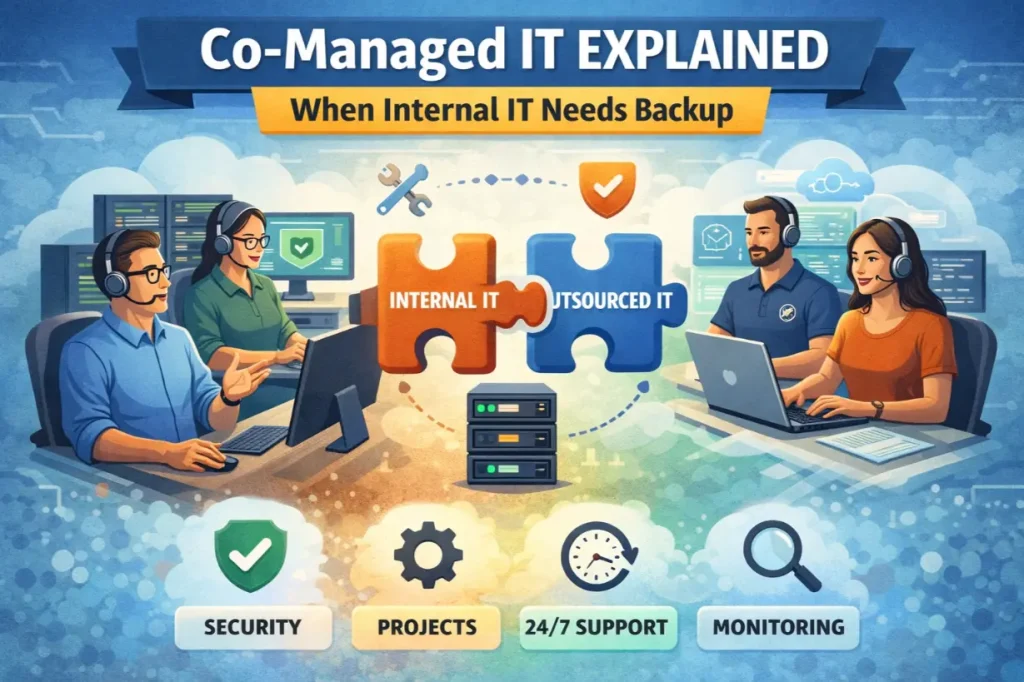
Co-Managed IT Explained: When Internal IT Needs Backup

Co-Managed IT Explained: When Internal IT Needs Backup

Internal IT Teams Are Under Pressure Internal IT teams are stretched thinner than ever. They’re expected to: All while fighting fires daily. At some point, even the best internal IT teams hit a limit. That’s where co-managed IT enters the picture—not as a replacement, but as a force multiplier. This article explains what co-managed IT…
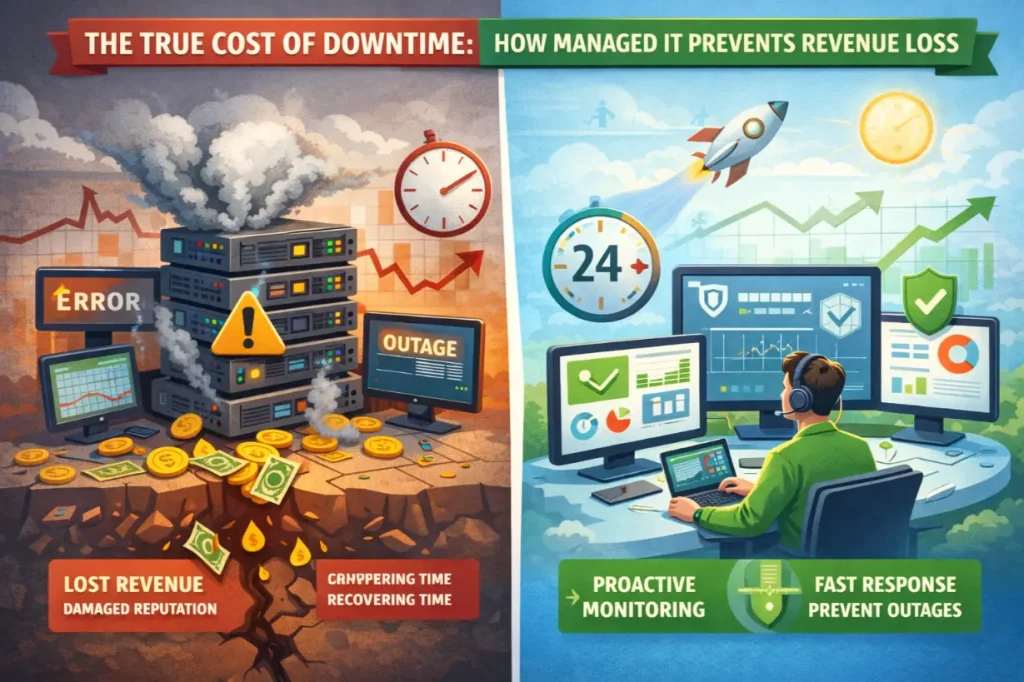
The True Cost of Downtime: How Managed IT Prevents Revenue Loss

The True Cost of Downtime: How Managed IT Prevents Revenue Loss

Downtime Is More Expensive Than You Think Most businesses underestimate downtime—until they experience it. A server goes offline. Internet access drops. Applications freeze. Employees stop working. Customers can’t place orders. Support phones light up. Social media complaints start rolling in. And the clock is ticking. Downtime is often viewed as an IT inconvenience. In reality,…
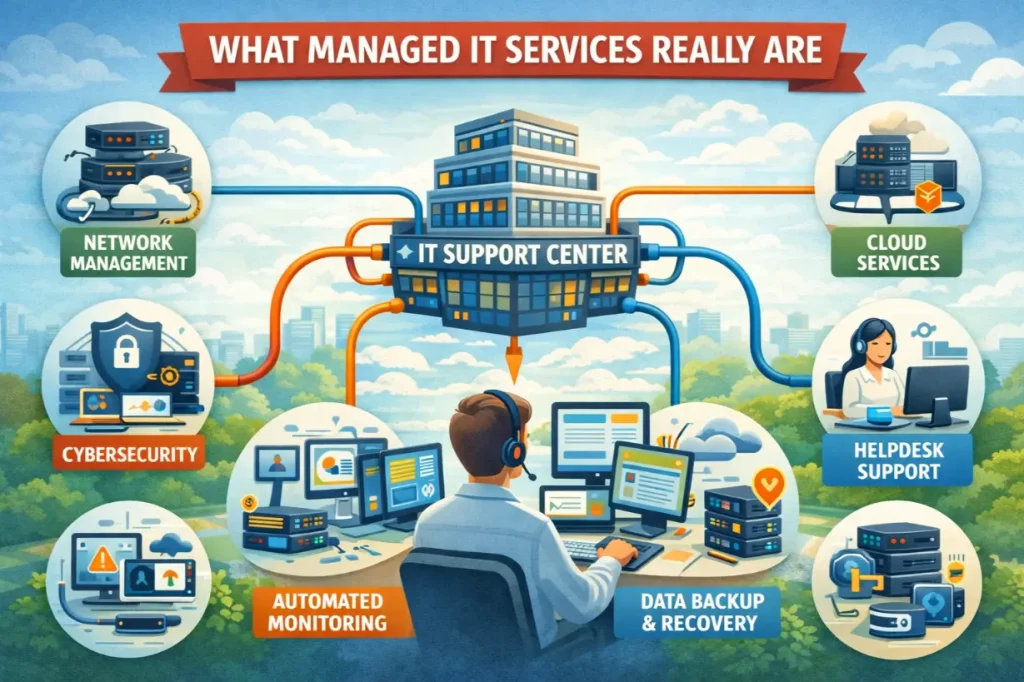
What Managed IT Services Really Are

What Managed IT Services Really Are

Why “Managed IT” Is Still Misunderstood Most businesses think they understand IT support—until something breaks. A server crashes. Email goes down. A cyberattack locks files. Productivity halts. Revenue bleeds. And suddenly, IT becomes the most important part of the business. This is where managed IT services enter the conversation—but they’re often misunderstood. Many assume managed…