Remote Work Changed the Threat Landscape Overnight
Remote work didn’t just change where people work — it changed how businesses are attacked.
Employees now:
- Work from home networks
- Use personal devices
- Access cloud apps directly
- Connect from anywhere, anytime
The traditional office security model collapsed almost overnight.
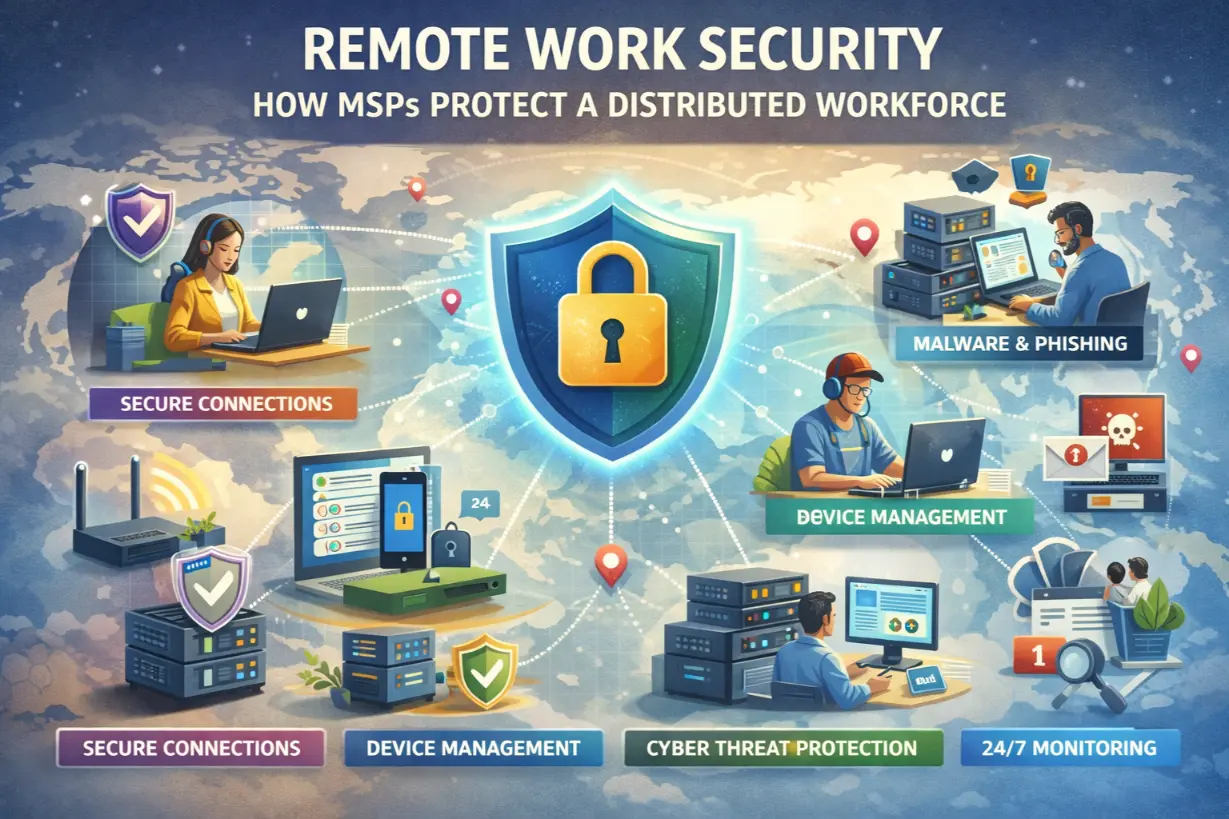
This article explains how managed service providers (MSPs) protect a distributed workforce, secure remote access without killing productivity, and reduce risk in a permanently remote-enabled world.
Why Remote Work Is a Security Challenge
Remote work removes the protective layers businesses once relied on.
New risks include:
- Unsecured home Wi-Fi
- Personal device usage
- Phishing targeting remote workers
- Credential theft
- Cloud access abuse
Attackers follow opportunity — and remote work offers plenty.
The Biggest Remote Work Security Threats
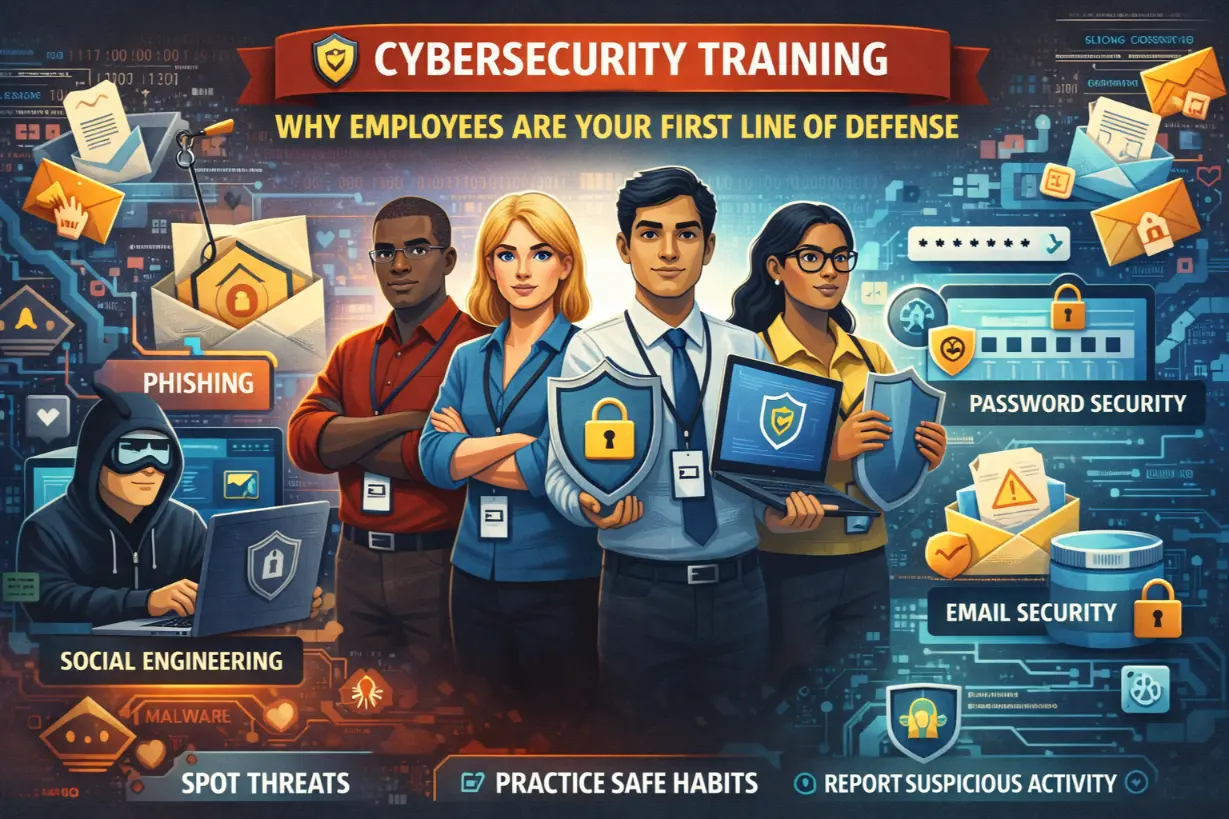
Phishing & Social Engineering
Remote workers are:
- Isolated
- Less likely to verify requests
- Targeted directly
Phishing success rates increase outside the office.
Insecure Devices
Unmanaged devices often lack:
- Encryption
- Patching
- Endpoint protection
A single weak device can compromise the business.
Credential Compromise
Cloud-first access means:
- Stolen credentials bypass networks
- MFA becomes essential
Passwords alone are useless.
Shadow IT & Workarounds
Employees under pressure:
- Use personal tools
- Share files insecurely
- Bypass controls
Productivity shortcuts create security gaps.
Why VPN-Only Security No Longer Works
VPNs were designed for occasional remote access.
Modern remote work requires:
- Constant connectivity
- Cloud-first access
- Device-level security
VPNs introduce:
- Performance issues
- Single points of failure
- Poor user experience
MSPs now use VPN alternatives and Zero Trust models.
How MSPs Secure Remote Work Environments
1. Identity-First Security (Zero Trust)
MSPs adopt Zero Trust principles:
- Verify identity continuously
- Enforce MFA everywhere
- Evaluate device health
Access is granted — not assumed.
2. Endpoint Protection & Monitoring
Every remote device is protected with:
- EDR
- Continuous monitoring
- Automated response
Threats are contained locally.
3. Device Management (MDM/MEM)
MSPs manage devices remotely:
- Enforce encryption
- Control updates
- Lock or wipe lost devices
Data stays protected even when devices disappear.
4. Secure Cloud Access
Rather than exposing networks, MSPs:
- Secure cloud apps directly
- Enforce conditional access
- Monitor usage
Cloud access becomes safer than VPN access.
5. Email & Collaboration Security
Remote work relies on email and collaboration tools.
MSPs secure:
- Phishing attacks
- Impersonation attempts
- Malicious links
Email remains the #1 threat vector.
Balancing Security With Remote Productivity
Security that slows work will be bypassed.
MSPs focus on:
- Seamless MFA
- Background monitoring
- Automated enforcement
Security becomes invisible.
Remote Work Security and Compliance
Remote environments must still meet:
- HIPAA
- SOC 2
- PCI-DSS
Managed IT ensures controls extend beyond the office.
How MSPs Support HR & Leadership
Remote security isn’t just technical.
MSPs assist with:
- Security policies
- Acceptable use guidelines
- Employee training
- Onboarding/offboarding
Security becomes part of culture.
Common Remote Work Security Mistakes
- Trusting home networks
- Ignoring personal devices
- Skipping MFA
- Over-relying on VPNs
- No monitoring
These gaps are actively exploited.
Signs Your Remote Workforce Is Under-Protected
- No device visibility
- No MFA enforcement
- No endpoint monitoring
- No remote wipe capability
These are urgent risks.
The Future of Remote Work Security
Remote work is permanent.
Security strategies must be:
- Cloud-first
- Identity-driven
- Device-centric
MSPs are evolving security to match reality.
Remote Work Security as a Business Enabler
Proper security:
- Supports flexibility
- Attracts talent
- Protects data
- Reduces risk
Remote work becomes a strength — not a liability.
Secure Work Follows the Worker
The office is no longer the center of security.
The user and device are.
Managed IT services ensure security travels with employees — wherever work happens — without sacrificing productivity or trust.
Remote work is here to stay. Secure it accordingly.
Unsure how secure your remote workforce really is?
A remote work security assessment can uncover hidden risks before they turn into incidents.