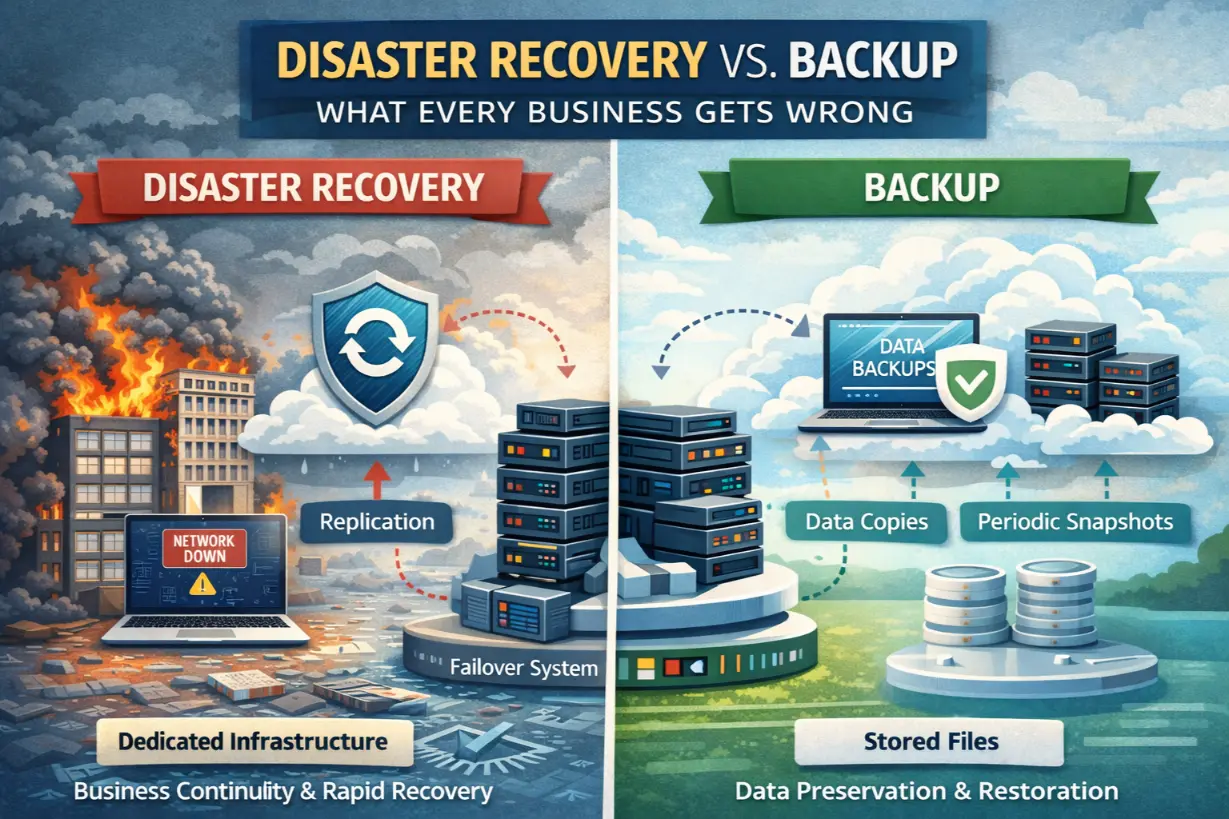
We Have Backups — We’re Fine”… Until You’re Not
Ask most businesses if they’re prepared for a disaster and you’ll hear:
“Yes, we have backups.”
That answer reveals one of the most dangerous misconceptions in IT.
Backups and disaster recovery are not the same thing — and confusing them has caused countless businesses to experience extended downtime, permanent data loss, and operational collapse.
This article breaks down the difference between backup and disaster recovery, explains what businesses consistently get wrong, and shows how managed IT services close the gap between data protection and true operational recovery.
What Is a Backup?
A backup is a copy of data stored separately from the original source.
Backups protect against:
- Accidental deletion
- File corruption
- Limited data loss
Backups answer one question:
“Can we retrieve the data?”
They do not answer:
“How fast can we resume operations?”
What Is Disaster Recovery (DR)?
Disaster recovery is a complete strategy for restoring business operations after a disruptive event.
It includes:
- System recovery
- Application availability
- Infrastructure restoration
- Network access
- User connectivity
Disaster recovery answers:
“How quickly can the business function again?”
Backup vs Disaster Recovery: The Core Difference
| Backup | Disaster Recovery |
| Focuses on data | Focuses on operations |
| Manual restoration | Automated recovery |
| Hours or days | Minutes or hours |
| Reactive | Planned & tested |
Backups are a component of disaster recovery — not a substitute.
Why Businesses Confuse the Two
1. Backup Vendors Blur the Line
Many backup tools are marketed as “disaster recovery,” even when:
- Recovery is manual
- Systems must be rebuilt
- Downtime is extensive
Marketing creates false confidence.
2. Disasters Feel Unlikely — Until They Aren’t
Businesses assume:
- “It won’t happen to us”
- “Our systems are stable”
- “We’ve never needed it before”
Disasters don’t announce themselves.
3. Recovery Has Never Been Tested
Untested backups give a false sense of security.
If recovery hasn’t been practiced, it will fail when needed most.
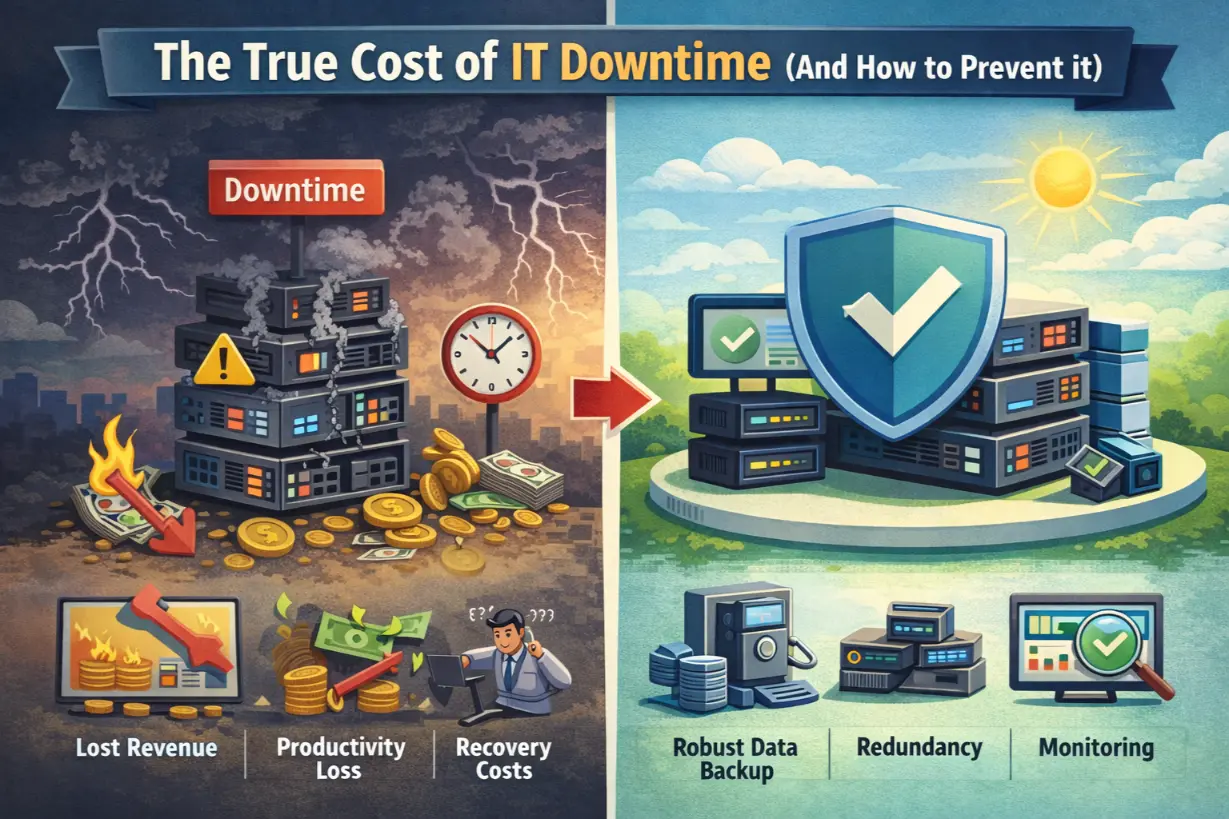
The Real Cost of Relying on Backups Alone
Businesses relying only on backups experience:
- Long restoration times
- Manual server rebuilds
- Configuration loss
- Application incompatibilities
- Extended downtime
Data may exist — but the business can’t operate.
Key Disaster Recovery Metrics Every Business Must Define
Recovery Time Objective (RTO)
How long can the business be down?
Minutes? Hours? Days?
Recovery Point Objective (RPO)
How much data loss is acceptable?
Minutes? Hours? End of day?
Without defined RTO and RPO, recovery planning is guesswork.
Common Disaster Recovery Failures
- Backups stored onsite only
- No image-based backups
- No infrastructure documentation
- No recovery testing
- No failover planning
These failures surface during crises — not before.
How Managed IT Builds Real Disaster Recovery
Managed IT providers design DR as a business function, not just a technical feature.
1. Image-Based & System-Level Backups
Entire systems are captured — not just files.
Servers can be restored quickly and completely.
2. Automated Failover
Critical systems can:
- Spin up in the cloud
- Redirect users
- Resume operations
Downtime is minimized.
3. Regular Recovery Testing
MSPs test:
- Restore processes
- Failover scenarios
- Data integrity
Plans are proven — not assumed.
4. Documentation & Playbooks
Clear recovery steps ensure:
- Fast execution
- No guesswork
- Reduced stress
Chaos is replaced with process.
Disaster Recovery in the Age of Ransomware
Ransomware changed the game.
DR must now include:
- Immutable backups
- Clean recovery points
- Rapid isolation
- Verified restores
Paying ransom should never be the only option.
Cloud-Based Disaster Recovery
Cloud DR offers:
- Geographic redundancy
- Scalability
- Faster recovery
But only when designed correctly.
Who Needs Full Disaster Recovery?
Disaster recovery is essential for:
- Revenue-generating systems
- Regulated industries
- Customer-facing operations
- Remote work environments
If downtime threatens the business, DR is required.
Signs Your Disaster Recovery Strategy Is Weak
- No defined RTO/RPO
- Backups never tested
- No documented recovery plan
- Single backup location
- Recovery relies on one person
These are critical risks.
Disaster Recovery Is Leadership Responsibility
DR is not just an IT concern.
Executives must:
- Approve recovery objectives
- Fund resilience
- Support testing
Survivability is a strategic decision.
Backups Save Data — Disaster Recovery Saves Businesses
Backups are important.
Disaster recovery is essential.
Businesses that confuse the two gamble with their future. Those that plan, test, and invest in recovery ensure that when disruption hits, operations continue.
Managed IT bridges the gap — turning backups into true business resilience.
Not sure if your backups could actually restore operations?
A disaster recovery assessment can reveal the difference before a real disaster does.