Choosing an MSP Is a Business Decision — Not an IT One
Hiring a managed IT provider is not the same as hiring tech support.
It’s closer to hiring:
- A risk manager
- A security advisor
- An operations partner
Yet many businesses choose MSPs based on price, familiarity, or convenience — and regret it later.
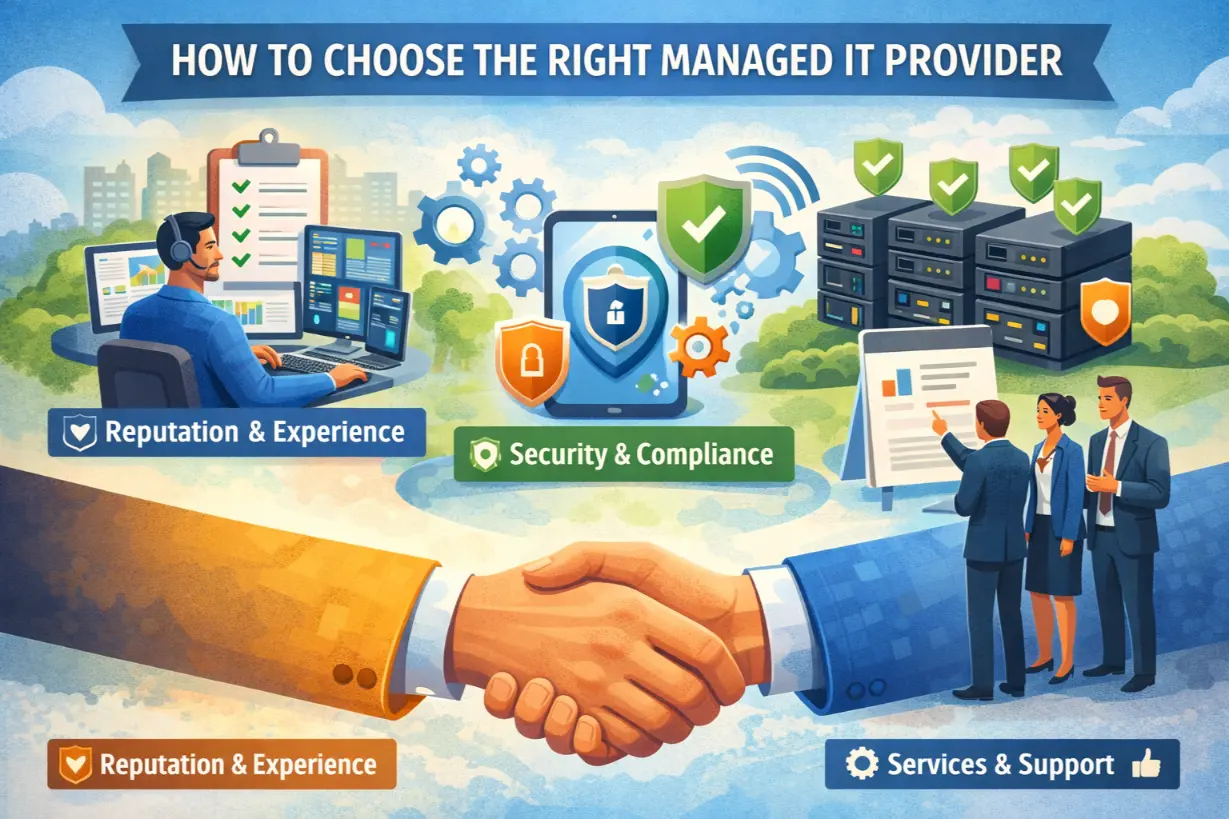
This article provides a clear, executive-level guide to choosing the right managed IT provider, including what to look for, what questions to ask, and the red flags that signal future problems.
Why Choosing the Wrong MSP Is So Expensive
The wrong MSP leads to:
- Recurring downtime
- Security incidents
- Compliance failures
- Poor communication
- Hidden costs
Switching MSPs later is disruptive — choosing correctly upfront matters.
Step 1: Define What You Actually Need
Before evaluating providers, clarify:
- Business goals
- Risk tolerance
- Compliance requirements
- Growth plans
An MSP should align with where the business is going, not just where it is today.
Step 2: Look for Proactive, Not Reactive, Support
Ask:
“How do you prevent problems — not just fix them?”
Right answers include:
- 24/7 monitoring
- Proactive maintenance
- Automation
- Risk assessments
If they only talk about helpdesk tickets, walk away.
Step 3: Evaluate Security as a Core Service
Security must be built in — not optional.
Look for:
- Endpoint detection & response
- MFA enforcement
- Email security
- Backup & ransomware recovery
- Continuous monitoring
Security add-ons often indicate weak fundamentals.
Step 4: Demand Transparency & Reporting
A good MSP provides visibility.
Expect:
- Regular reports
- Clear metrics
- Security summaries
- Performance trends
If you can’t see what they’re doing, they probably aren’t doing enough.
Step 5: Understand Their Pricing Model Clearly
Pricing should be:
- Predictable
- Transparent
- Aligned with value
Beware of:
- Excessive exclusions
- Undefined “out-of-scope” fees
- Vague service descriptions
Clarity prevents conflict.
Step 6: Ask About Documentation & Knowledge Transfer
Documentation protects the business.
Your MSP should maintain:
- Network diagrams
- Credentials (securely stored)
- Asset inventories
- Recovery plans
If they won’t document, they’re creating dependency.
Step 7: Evaluate Response Times & Escalation
Downtime doesn’t wait.
Ask:
- Response time SLAs
- Escalation paths
- After-hours support coverage
Support expectations must be explicit.
Step 8: Assess Their Experience & Focus
Industry experience matters.
Ask:
- Who are your typical clients?
- What industries do you specialize in?
- How do you handle compliance?
A generic MSP may miss industry-specific risks.
Step 9: Red Flags to Watch For
???? No monitoring
???? No security roadmap
???? No reporting
???? Overpromising everything
???? Poor onboarding process
???? Avoidance of tough questions
Trust your instincts.
Step 10: Evaluate Cultural Fit & Communication
Your MSP will:
- Interact with employees
- Advise leadership
- Handle crises
Communication style matters as much as technical skill.
Questions Every Business Should Ask an MSP
- How do you prevent downtime?
- How do you handle security incidents?
- What happens during growth or change?
- How do you measure success?
- What does onboarding look like?
The answers reveal maturity.
The Difference Between a Vendor and a Partner
Vendors:
- Fix tickets
- React to problems
- Follow instructions
Partners:
- Advise leadership
- Reduce risk
- Plan ahead
Managed IT should feel like partnership.
The Cost of “Good Enough” IT
Mediocre MSPs create:
- False confidence
- Hidden risk
- Operational drag
IT must support the business — not slow it down.
Choose for Outcomes, Not Promises
The right MSP:
- Reduces risk
- Improves stability
- Supports growth
- Provides peace of mind
Choosing a managed IT provider is one of the most impactful decisions a business can make.
Choose wisely.
Not sure if your current IT provider is the right fit?
An MSP evaluation assessment can identify gaps before they turn into problems.