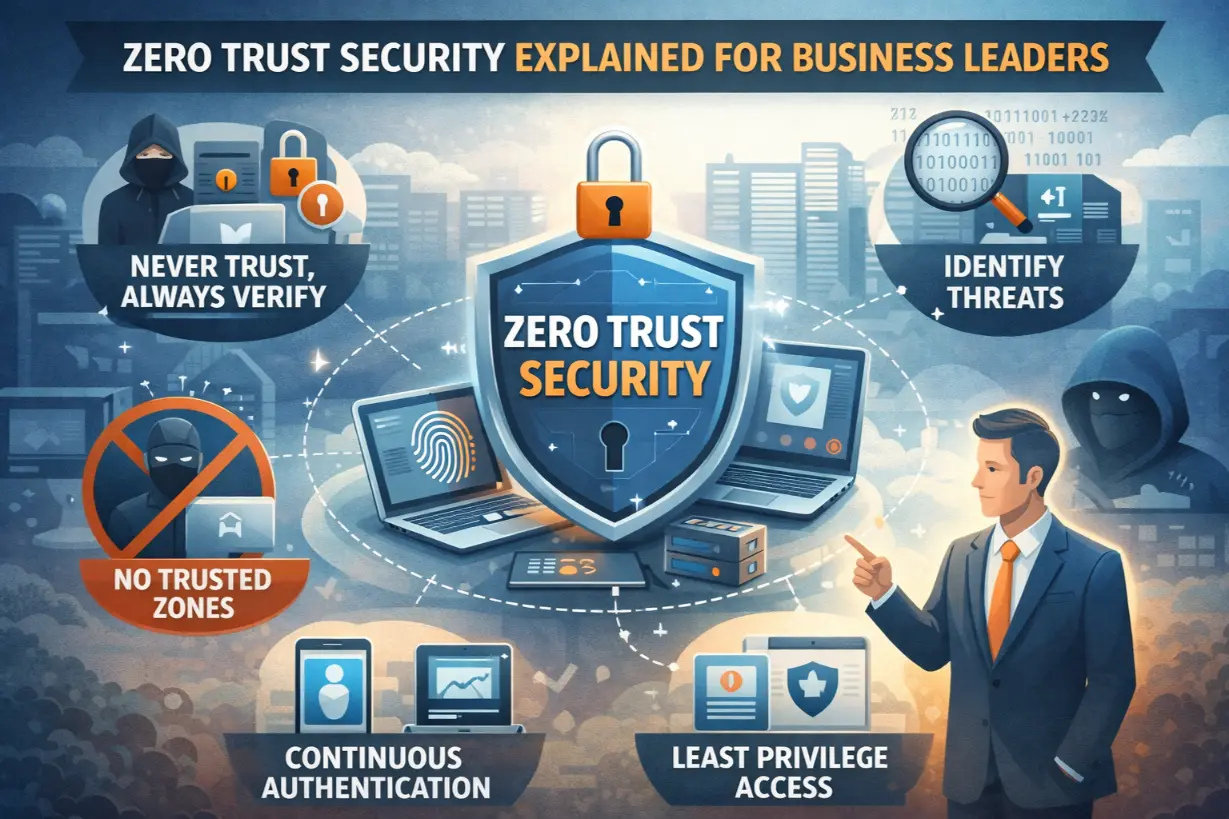
Zero Trust” Sounds Technical — But It’s a Business Concept
Zero Trust is often explained in technical diagrams and acronyms.
Firewalls. Identity providers. Network segmentation. Conditional access.
But at its core, Zero Trust is not a technology — it’s a business risk strategy.
It answers a simple question:
“What happens if we assume something will fail?”
This article explains Zero Trust security in plain business language, why traditional trust-based models no longer work, and how managed IT services implement Zero Trust without disrupting productivity.
What Zero Trust Really Means (Without the Jargon)
Zero Trust operates on one principle:
Never trust by default. Always verify.
That applies to:
- Users
- Devices
- Applications
- Locations
Trust is earned continuously — not granted permanently.
Why the Old Security Model Failed
Traditional security assumed:
- Users are trusted once inside the network
- Firewalls protect everything
- Internal traffic is safe
Modern reality broke those assumptions.
Today:
- Employees work remotely
- Applications live in the cloud
- Credentials are stolen easily
- Attackers bypass networks
Once attackers get in, old models let them roam freely.
Zero Trust Shifts the Question
Old model:
“Are you inside the network?”
Zero Trust asks:
“Who are you, what are you using, and should you have access right now?”
This shift dramatically reduces risk.
Zero Trust in Business Terms
Zero Trust focuses on:
- Identity (Who is accessing?)
- Device (Is it secure and compliant?)
- Context (From where and under what conditions?)
- Least Privilege (Only what’s needed, nothing more)
It limits the blast radius of any incident.
Why Business Leaders Should Care About Zero Trust
Zero Trust directly reduces:
- Breach impact
- Ransomware spread
- Insider threats
- Compliance risk
It’s not about paranoia — it’s about containment.
Common Business Scenarios Zero Trust Protects Against
Stolen Credentials
With Zero Trust:
- MFA blocks access
- Risky logins are challenged
- Access is restricted automatically
Credentials alone aren’t enough.
Compromised Devices
Zero Trust checks device health:
- Encryption
- Patching
- Endpoint protection
Unhealthy devices lose access.
Insider Threats (Intentional or Accidental)
Least privilege limits:
- Data exposure
- System damage
Mistakes don’t become disasters.
Ransomware & Lateral Movement
Zero Trust segmentation prevents:
- Attackers from moving freely
- One compromised device from infecting everything
Containment is key.
Zero Trust Is Not “Zero Access”
A common myth is that Zero Trust makes work harder.
In reality:
- Access becomes smoother for approved users
- Security happens in the background
- Risk-based decisions replace blanket restrictions
Good Zero Trust feels invisible.
How Managed IT Implements Zero Trust Practically
1. Identity-Centric Security
MSPs enforce:
- MFA everywhere
- Role-based access
- Conditional login policies
Identity becomes the control plane.
2. Device Trust & Compliance
Devices must meet standards:
- Encryption enabled
- OS patched
- Endpoint protection active
Non-compliant devices are blocked automatically.
3. Least Privilege Access
Users receive:
- Only the access they need
- Only for as long as needed
Admin access is temporary and monitored.
4. Continuous Monitoring & Logging
Access is:
- Logged
- Monitored
- Reviewed
Trust is continuously evaluated.
Zero Trust and Remote Work
Zero Trust was built for remote work.
It:
- Eliminates VPN dependency
- Secures cloud access
- Protects users anywhere
Remote becomes first-class — not second-rate.
Zero Trust and Compliance
Zero Trust supports:
- HIPAA
- SOC 2
- PCI-DSS
- Cyber insurance requirements
Auditors love measurable controls.
What Zero Trust Is NOT
❌ Not a single product
❌ Not a one-time project
❌ Not “locking everything down”
Zero Trust is an ongoing strategy.
Common Zero Trust Mistakes
- Partial implementation
- Ignoring user experience
- No monitoring
- Treating it as a checkbox
MSPs avoid these pitfalls through phased rollouts.
How to Start Thinking Zero Trust as a Leader
Ask:
- What happens if credentials are stolen?
- How much access does each role really need?
- Can we detect and contain incidents quickly?
These questions drive Zero Trust maturity.
Zero Trust as a Competitive Advantage
Organizations with Zero Trust:
- Recover faster
- Experience fewer breaches
- Win trust with customers and insurers
Security becomes a business enabler.
Signs Your Organization Needs Zero Trust
- Remote workforce
- Cloud-first tools
- Compliance requirements
- Growing attack surface
For most modern businesses — that’s everyone.
Zero Trust Is About Resilience, Not Distrust
Zero Trust isn’t about distrusting employees.
It’s about acknowledging reality:
- Credentials get stolen
- Devices get compromised
- Mistakes happen
Zero Trust ensures those moments don’t become catastrophes.
Managed IT providers translate Zero Trust from theory into practical, business-aligned security that protects without slowing progress.
Not sure how much trust your systems assume today?
A Zero Trust readiness assessment can identify exposure before it becomes an incident.