Most Breaches Start With Something Unpatched
When a major cyber incident makes headlines, people often assume it involved:
- Sophisticated hacking
- Advanced malware
- Insider threats
In reality, many attacks succeed for a much simpler reason:
A known vulnerability wasn’t patched.
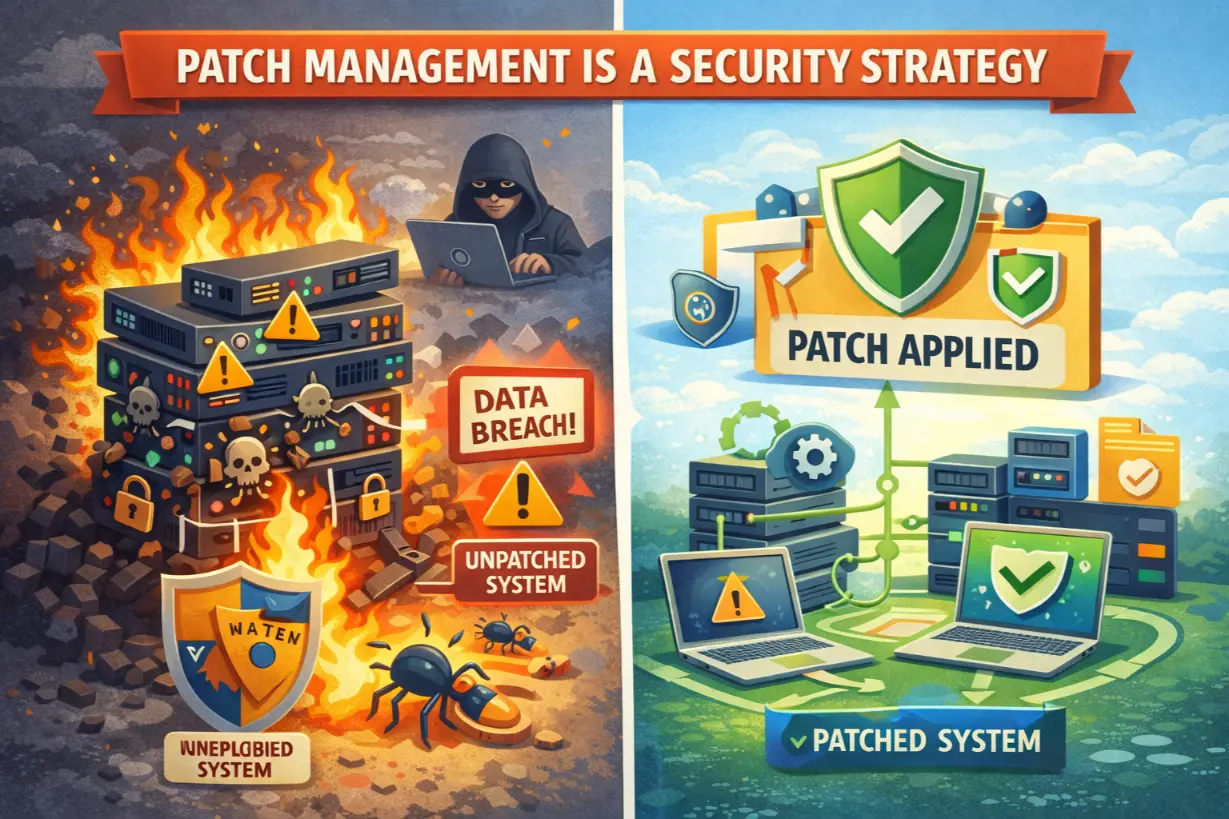
Patch management is one of the least glamorous areas of IT — but it’s also one of the most effective security controls available.
This article explains why patch management is a security strategy, not a maintenance task, how attackers exploit unpatched systems, and how managed IT services turn patching into a proactive defense layer.
What Is Patch Management?
Patch management is the process of:
- Identifying vulnerabilities
- Testing software updates
- Deploying patches
- Verifying successful installation
Across:
- Operating systems
- Applications
- Firmware
- Network devices
It ensures known weaknesses are closed before attackers exploit them.
Why Unpatched Systems Are Prime Targets
Attackers prefer:
- Known vulnerabilities
- Public exploits
- Reliable attack paths
Unpatched systems offer exactly that.
Once a vulnerability is disclosed:
- Exploit code appears quickly
- Automated scans begin
- Attackers move at scale
Time becomes the enemy.
Patch Management vs “Just Updating”
Patching is not:
- Random updates
- Manual clicking
- Occasional maintenance
Effective patch management is:
- Structured
- Prioritized
- Automated
- Verified
Security depends on consistency.
The Real-World Impact of Missed Patches
Unpatched systems enable:
- Ransomware deployment
- Remote code execution
- Privilege escalation
- Data breaches
Many major attacks exploited vulnerabilities that had patches available months earlier.
Why Businesses Struggle With Patch Management
Volume & Complexity
Modern environments include:
- Multiple OS versions
- Third-party apps
- Cloud platforms
- Remote endpoints
Manual patching doesn’t scale.
Fear of Downtime
Businesses delay patches because:
- Updates might break applications
- Testing takes time
Ironically, unpatched systems cause far more downtime.
Lack of Visibility
You can’t patch what you don’t know exists.
No inventory = no security.
Why Patch Management Is a Core Security Control
Patch management:
- Reduces attack surface
- Prevents known exploits
- Supports compliance
- Lowers cyber insurance risk
It closes doors attackers actively seek.
Zero-Day Vulnerabilities and Patch Urgency
Zero-days are vulnerabilities exploited before patches exist.
But once patches are released:
- The vulnerability becomes a known target
- Attack activity spikes
Delaying patches after release is extremely dangerous.
Patch Management and Ransomware
Ransomware groups exploit:
- Unpatched VPNs
- Unpatched servers
- Unpatched endpoints
Patch management is one of the most effective ransomware prevention tools.
How Managed IT Executes Patch Management Properly
Managed IT providers treat patching as a continuous security process.
1. Asset & Software Inventory
MSPs maintain visibility into:
- Devices
- Operating systems
- Installed applications
Nothing is patched blindly.
2. Risk-Based Patch Prioritization
Not all patches are equal.
MSPs prioritize based on:
- Exploitability
- Business impact
- Exposure
Critical vulnerabilities are addressed first.
3. Testing & Staged Deployment
Patches are:
- Tested
- Deployed in phases
- Rolled back if needed
Stability is preserved.
4. Automation & Scheduling
Automation ensures:
- Timely deployment
- Consistent coverage
- Minimal user disruption
Manual patching is replaced with precision.
5. Verification & Reporting
MSPs verify:
- Successful installation
- Failed patches
- Compliance status
Proof matters.
Patch Management Beyond Endpoints
True patch management includes:
- Servers
- Firewalls
- Network equipment
- Cloud services
- Firmware
Attackers target infrastructure — not just PCs.
Patch Management and Compliance
Most frameworks require:
- Timely patching
- Vulnerability management
- Documentation
Managed IT aligns patching with audit requirements.
Common Patch Management Myths
❌ “We’ll patch when something breaks”
❌ “Automatic updates are enough”
❌ “We’re too small to be targeted”
These beliefs lead to breaches.
Signs Your Patch Management Is Weak
- Inconsistent update schedules
- No patch reports
- Unsupported software still in use
- Fear of applying updates
These are risk indicators.
Patch Management as Business Risk Reduction
Effective patching:
- Prevents incidents
- Reduces downtime
- Protects reputation
- Supports insurance coverage
Security ROI is high.
Why Patch Management Must Be Ongoing
New vulnerabilities are discovered daily.
Patch management is:
- Continuous
- Never “done”
- Essential
Security decays without maintenance.
Patch Management Is a Leadership Decision
Patching requires:
- Downtime planning
- Change management
- Risk acceptance
Leadership sets priorities.
The Simplest Security Control Is Often the Most Powerful
Patch management isn’t flashy.
It doesn’t make headlines.
But it quietly prevents attacks every day.
Managed IT services elevate patch management from a neglected task into a core security strategy — closing known vulnerabilities before attackers ever get a chance.
In cybersecurity, the easiest door to lock is often the one attackers use first.
Unsure how exposed your systems are due to missed patches?
A vulnerability and patch management assessment can reveal risks before attackers exploit them.