A Backup That Can’t Be Restored Is Useless
Most businesses believe they’re protected because:
“We have backups.”
But when disaster strikes — ransomware, hardware failure, accidental deletion — many discover a painful truth:
Their backups don’t work.
Files are missing. Systems won’t restore. Data is corrupted. Recovery takes days instead of hours.
This article explains why backup testing matters more than having backups, the common reasons backups fail, and how managed IT services ensure recovery actually works when it’s needed most.
The Dangerous Assumption About Backups
Backups create a sense of safety.
But without testing:
- No one knows if data is complete
- No one knows if systems can be restored
- No one knows how long recovery will take
Assumptions fail under pressure.
Common Reasons Backups Fail
Silent Backup Failures
Backups may:
- Stop running
- Fail partially
- Skip files
- Encounter permission errors
Without monitoring and testing, failures go unnoticed.
Corrupted Backup Data
Backups can complete successfully — but store corrupted data.
Corruption isn’t discovered until restore attempts.
Incomplete System Coverage
File-level backups miss:
- Applications
- Databases
- Configurations
- System state
Restoring data without systems delays recovery.
No Recovery Process
Even with valid backups:
- Steps aren’t documented
- Staff isn’t trained
- Dependencies aren’t understood
Recovery becomes chaotic.
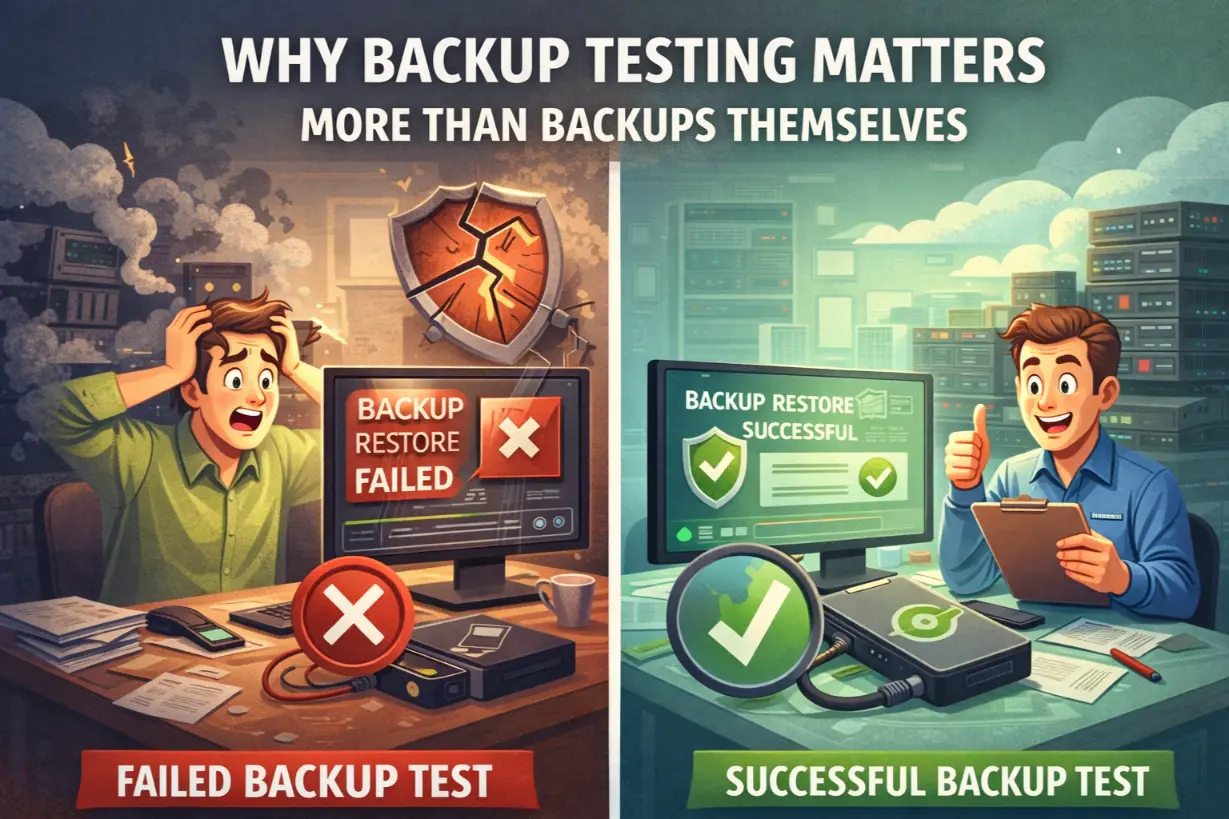
Why Backup Testing Is Critical
Backup testing answers key questions:
- Can data be restored?
- Can systems boot?
- How long does recovery take?
- Does recovery meet RTO/RPO targets?
Without testing, there are no answers.
Backup Testing vs Backup Monitoring
Monitoring checks:
- Whether backups ran
Testing checks:
- Whether restores work
Both are required.
Types of Backup Testing
File-Level Restore Tests
Ensures:
- Individual files can be recovered
- Permissions are intact
System-Level Restore Tests
Validates:
- Entire systems can be restored
- Applications function properly
Disaster Recovery Simulations
Tests:
- Failover procedures
- Recovery timelines
- Business continuity
This is the ultimate validation.
How Often Should Backups Be Tested?
Best practices include:
- Regular automated test restores
- Quarterly system-level testing
- Annual disaster recovery simulations
Testing frequency depends on risk tolerance.
Backup Testing and Ransomware
Ransomware tests backups brutally.
Effective testing ensures:
- Clean recovery points
- No malware persistence
- Fast restoration
Without testing, businesses risk re-infection.
Why Businesses Avoid Backup Testing
Common excuses:
- “It’s too disruptive”
- “We don’t have time”
- “We’ve never needed it”
These excuses fail during incidents.
How Managed IT Makes Backup Testing Practical
Managed IT providers automate and structure testing.
1. Automated Test Restores
MSPs perform:
- Scheduled restore tests
- Isolated sandbox recovery
Testing happens without disruption.
2. Monitoring and Alerting
MSPs monitor:
- Backup success
- Storage integrity
- Restore failures
Issues are fixed immediately.
3. Documented Recovery Procedures
Testing produces:
- Step-by-step recovery guides
- Time benchmarks
- Lessons learned
Documentation improves future response.
4. Alignment With Business Objectives
Testing validates:
- RTO compliance
- RPO adherence
Recovery supports business needs — not assumptions.
Backup Testing as a Compliance Requirement
Many standards require:
- Regular testing
- Evidence of recovery capability
Untested backups fail audits.
Backup Testing and Cyber Insurance
Insurers expect:
- Proven recovery capability
- Tested backups
- Documented procedures
Testing supports claims and lowers risk.
Real-World Consequences of Untested Backups
Businesses with untested backups face:
- Extended downtime
- Permanent data loss
- Ransom payments
- Operational collapse
Backups without testing are false security.
Signs Your Backup Strategy Is Weak
- Backups never tested
- No restore reports
- No documented recovery process
- Recovery times unknown
These are urgent risks.
Backup Testing Is a Business Continuity Issue
Testing is not an IT task alone.
Leadership must:
- Support testing windows
- Approve downtime simulations
- Fund recovery readiness
Continuity requires commitment.
Backup Testing Enables Confidence
When backups are tested:
- Recovery is predictable
- Stress is reduced
- Decisions are faster
Confidence replaces panic.
Backups Are a Promise — Testing Is Proof
Backups promise recovery.
Backup testing proves it.
In a world where downtime and data loss can cripple businesses, proof matters more than promises.
Managed IT services ensure backups aren’t just running — they’re reliable, recoverable, and ready when the business needs them most.
Do you know if your backups would actually work today?
A backup and recovery testing assessment can reveal weaknesses before a real incident does.