Microsoft Handles Security”… Right?
Microsoft 365 is one of the most powerful productivity platforms in the world.
Email. File sharing. Collaboration. Identity. Cloud apps.
And yet, one dangerous assumption continues to expose businesses:
“Microsoft handles security for us.”
Microsoft secures the platform — not how your business uses it.
That responsibility falls entirely on the customer. And many organizations leave massive security gaps open without realizing it.
This article exposes the most common Microsoft 365 security gaps companies ignore, why attackers exploit them, and how managed IT services close them effectively.
Why Microsoft 365 Is a Prime Target
Microsoft 365 environments are attacked constantly because they:
- Contain valuable business data
- Control identity access
- Are accessible from anywhere
- Often lack proper configuration
Attackers don’t need malware — they just need credentials.
Security Gap #1: No Multi-Factor Authentication (MFA) Everywhere
Passwords alone are obsolete.
Without MFA:
- Phishing attacks succeed
- Credential stuffing works
- Account takeovers are trivial
MFA should be enforced on every account, especially admins.
Security Gap #2: Weak Conditional Access Policies
Conditional access controls:
- Who can log in
- From where
- On what device
- Under what conditions
Without it, compromised credentials grant full access.
Managed IT enforces:
- Location-based restrictions
- Device compliance
- Risk-based login rules
Security Gap #3: Over-Privileged Admin Accounts
Many environments have:
- Too many global admins
- Shared admin credentials
- Permanent admin access
This is extremely dangerous.
Best practice uses:
- Least privilege
- Just-in-time access
- Role separation
Security Gap #4: Inadequate Email Protection
Microsoft’s default email filtering is basic.
It often misses:
- Sophisticated phishing
- Business email compromise (BEC)
- Impersonation attacks
Managed IT layers advanced email security on top.
Security Gap #5: No Alerting or Monitoring
Security events often go unnoticed.
Without monitoring:
- Suspicious logins are missed
- Data exfiltration continues
- Attacks persist silently
MSPs enable logging, alerts, and response workflows.
Security Gap #6: Poor Device Management
Microsoft 365 access isn’t limited to company devices.
Without device controls:
- Personal devices access data
- Lost laptops remain logged in
- No encryption enforcement
Managed IT uses MDM and compliance policies.
Security Gap #7: No Backup for Microsoft 365 Data
Microsoft does not provide full data backups.
Deleted or encrypted data may be unrecoverable.
Managed IT implements:
- Independent backups
- Point-in-time recovery
- Ransomware-safe storage
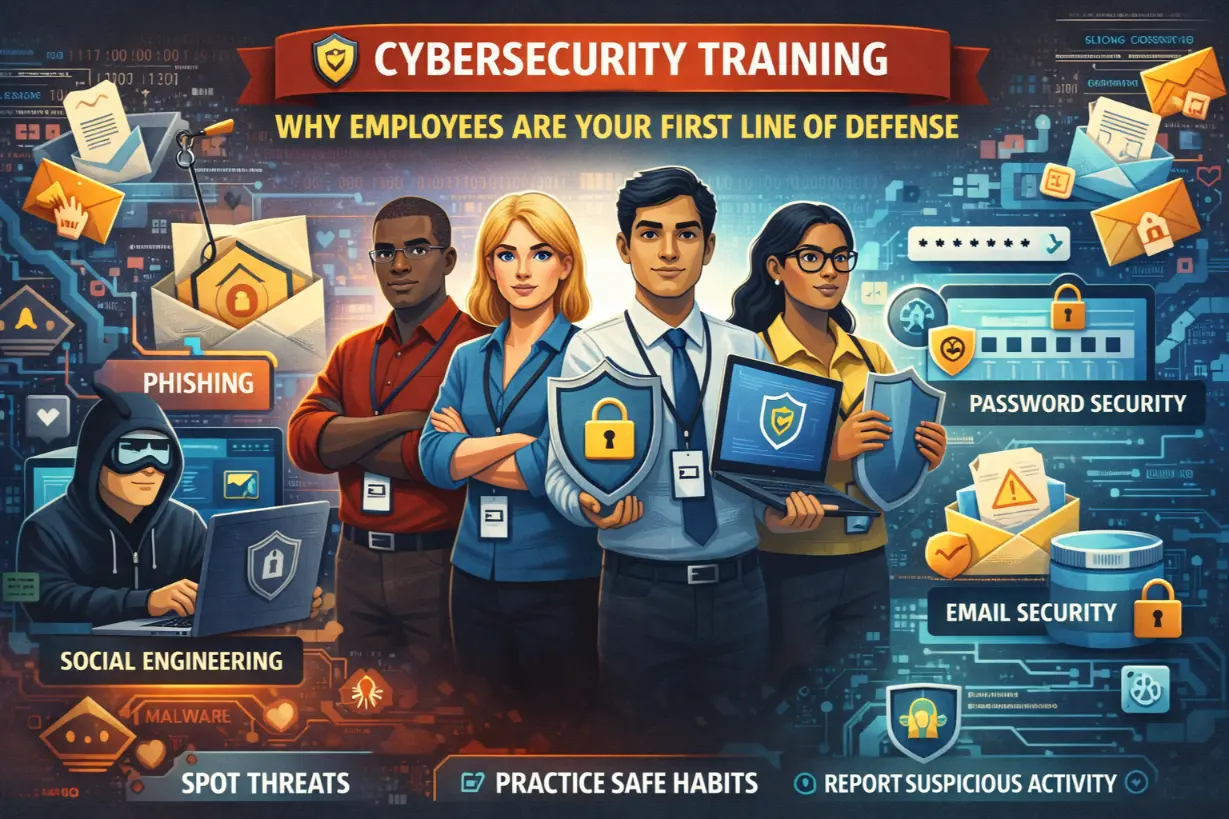
Security Gap #8: No User Security Training
Users are the #1 attack vector.
Without training:
- Phishing succeeds
- MFA fatigue attacks work
- Credential theft continues
Managed IT includes:
- Awareness training
- Phishing simulations
- Policy enforcement
How MSPs Secure Microsoft 365 Properly
MSPs treat Microsoft 365 as a security platform, not just productivity.
They:
- Harden configurations
- Enforce identity controls
- Monitor activity
- Respond to incidents
- Document everything
Security becomes continuous.
Microsoft 365 Security Is Not “Set and Forget”
Threats evolve constantly.
Security must:
- Be reviewed regularly
- Adapt to new attack methods
- Align with business changes
Managed IT keeps security current.
Real-World Consequences of M365 Misconfiguration
Common outcomes include:
- Business email compromise
- Financial fraud
- Data leaks
- Account lockouts
- Regulatory exposure
Most incidents trace back to ignored basics.
Signs Your Microsoft 365 Security Is Weak
- No MFA on all users
- No login alerts
- Excessive admin access
- No backup solution
- No security reporting
These are red flags — not best practices.
Microsoft 365 Security as a Business Safeguard
Properly secured, Microsoft 365:
- Enables safe remote work
- Protects sensitive data
- Supports compliance
- Reduces cyber risk
Security unlocks value.
Configuration Is Everything
Microsoft 365 is powerful — but power without control is risk.
Security gaps don’t exist because businesses don’t care. They exist because security configuration is complex, evolving, and often misunderstood.
Managed IT bridges that gap — turning Microsoft 365 from a liability into a secure foundation.
Unsure how secure your Microsoft 365 environment really is?
A Microsoft 365 security assessment can uncover misconfigurations before attackers do.