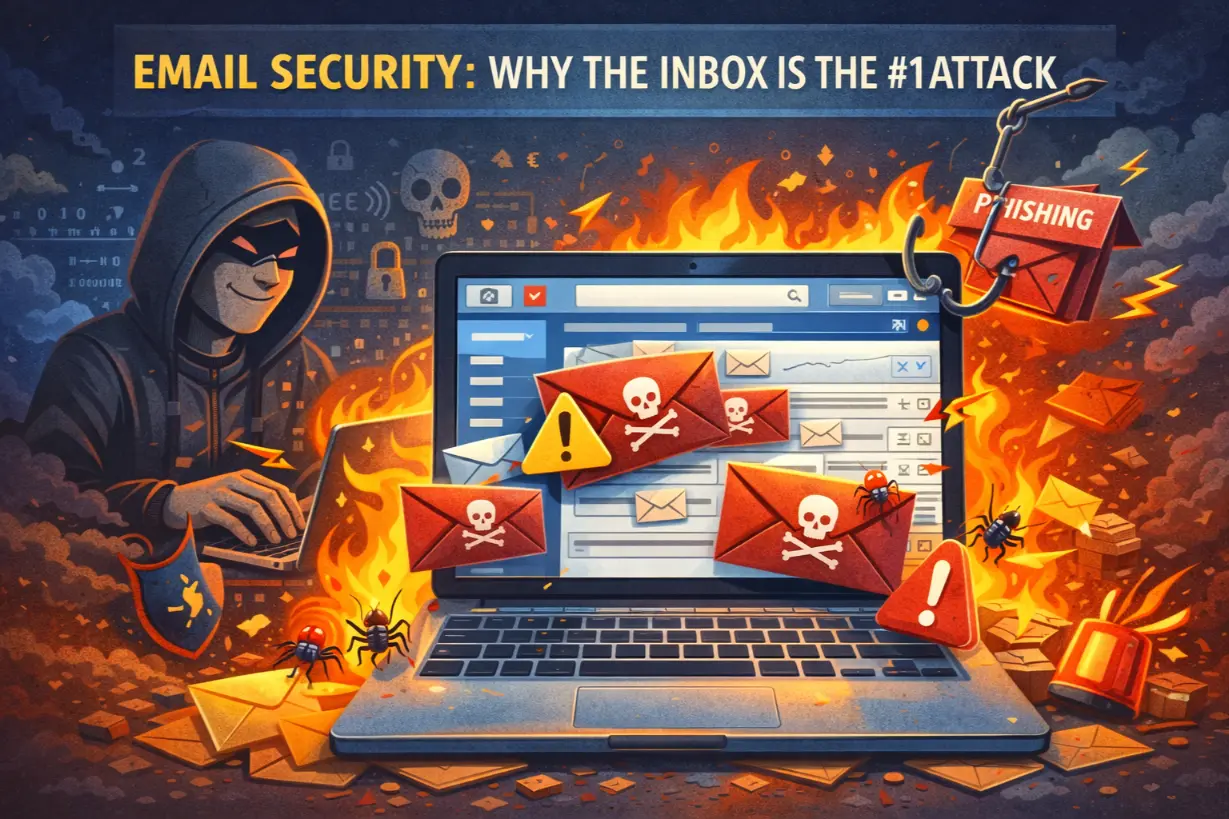
The Most Dangerous Application in Your Business
Firewalls get attention. Endpoints get budget. Networks get monitored.
But the most exploited application in modern business is email.
Nearly every major cyber incident starts the same way:
- A phishing email
- A fake invoice
- A spoofed executive request
- A malicious attachment
Email is trusted, ubiquitous, and user-driven — making it the perfect attack vector.
This article explains why the inbox is the #1 attack surface, how attackers exploit email, and how managed IT services protect businesses from email-borne threats without disrupting communication.
Why Email Is the Primary Attack Vector
Email works because it:
- Reaches every employee
- Bypasses network defenses
- Exploits human trust
- Requires minimal technical skill
Attackers don’t need zero-day exploits — they just need someone to click.
The Evolution of Email Attacks
Modern email attacks are:
- Highly targeted
- Context-aware
- Socially engineered
- Hard to detect
Gone are the days of obvious spam.
The Most Common Email-Based Attacks
Phishing
Fake messages designed to steal:
- Credentials
- MFA tokens
- Sensitive information
Phishing success relies on deception — not malware.
Business Email Compromise (BEC)
Attackers impersonate:
- Executives
- Vendors
- Finance departments
BEC attacks often result in direct financial loss.
Ransomware Delivery
Email attachments and links deliver:
- Payloads
- Downloaders
- Access for lateral movement
Ransomware often starts in the inbox.
Account Takeover
Once credentials are stolen:
- Attackers log in legitimately
- Security tools are bypassed
- Trust is abused
Email becomes a launchpad.
Why Traditional Email Filtering Fails
Basic email filtering relies on:
- Known signatures
- Blacklisted senders
Modern attacks:
- Use legitimate platforms
- Mimic trusted senders
- Change constantly
Static defenses can’t keep up.
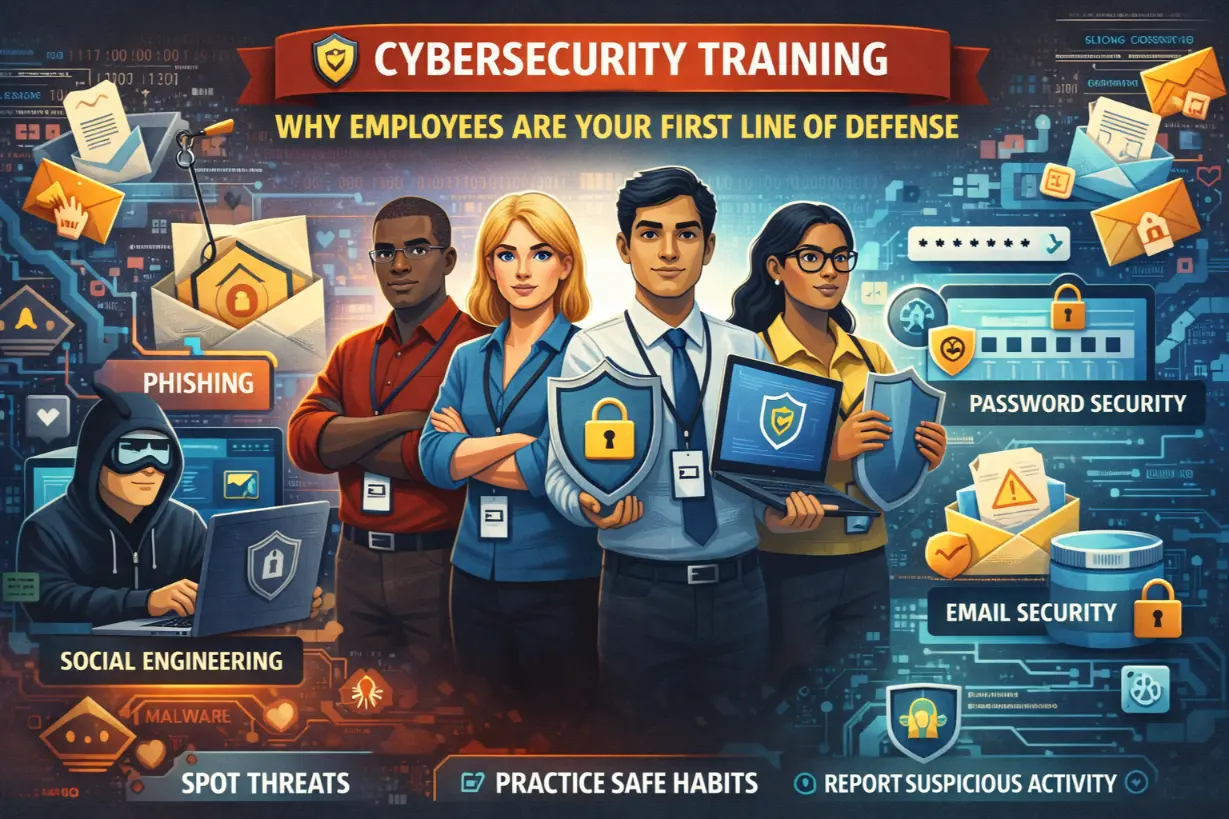
The Human Factor in Email Security
Email attacks succeed because:
- Employees are busy
- Messages feel urgent
- Context looks legitimate
Security awareness helps — but training alone isn’t enough.
Why “User Error” Is a Dangerous Myth
Blaming users ignores reality.
Email security must:
- Assume mistakes will happen
- Minimize impact
- Detect abuse quickly
Security should protect users — not punish them.
How Managed IT Secures the Inbox
Managed IT providers treat email as critical infrastructure, not just a communication tool.
1. Advanced Email Threat Detection
MSPs deploy tools that analyze:
- Sender behavior
- Message intent
- Link reputation
- Attachment behavior
AI identifies threats traditional filters miss.
2. Impersonation & BEC Protection
Advanced protections detect:
- Display-name spoofing
- Domain lookalikes
- Executive impersonation
High-risk messages are blocked or flagged.
3. URL & Attachment Sandboxing
Suspicious content is:
- Opened in isolated environments
- Analyzed for malicious behavior
- Blocked before reaching users
Threats are neutralized safely.
4. Email Authentication (DMARC, SPF, DKIM)
Managed IT enforces:
- Sender authentication
- Domain protection
- Spoofing prevention
Trust is verified — not assumed.
5. Continuous Monitoring & Incident Response
When incidents occur:
- Accounts are locked
- Sessions revoked
- Malicious emails purged
Response is immediate.
Email Security and Identity Protection
Email compromise often leads to:
- Cloud account takeover
- Lateral movement
- Data access
MSPs integrate email security with:
- MFA enforcement
- Conditional access
- Identity monitoring
Protection is layered.
Email Security in Microsoft 365 & Google Workspace
Native security is not enough.
Managed IT:
- Hardens configurations
- Adds third-party protection
- Monitors behavior
Default settings leave gaps.
The Cost of Email-Based Incidents
Email incidents result in:
- Financial fraud
- Data breaches
- Ransomware
- Regulatory penalties
- Reputation damage
The inbox is a high-value target.
Signs Your Email Security Is Weak
- Frequent phishing reports
- No MFA on email accounts
- No impersonation protection
- No email logging or alerts
These are urgent risks.
Email Security and Cyber Insurance
Insurers increasingly require:
- Advanced email protection
- MFA
- Training
- Incident response plans
Managed IT helps meet these requirements.
Why Email Security Must Be Proactive
Reactive email security:
- Detects after compromise
- Limits response options
Proactive security:
- Stops threats early
- Reduces impact
- Preserves trust
Prevention matters.
Email Security Is Everyone’s Problem — But IT Owns the Solution
Employees play a role.
But expecting humans to stop automated attacks is unrealistic.
Managed IT provides:
- Technology controls
- Monitoring
- Rapid response
Security is systemic — not individual.
The Inbox Is the Front Line
Every employee’s inbox is a doorway into the business.
Attackers know it.
Defenders must respect it.
Email security is not optional — it’s foundational.
Managed IT services treat the inbox as the #1 attack vector and defend it accordingly — so businesses can communicate freely without becoming targets.
Unsure how exposed your inbox really is?
An email security assessment can reveal phishing and impersonation risks before attackers exploit them.